When working in Excel with large datasets, the data is often messy and has mixed cases. Especially when data is being imported, we get all sorts of uppercase, lowercase, and half-capitalized ...
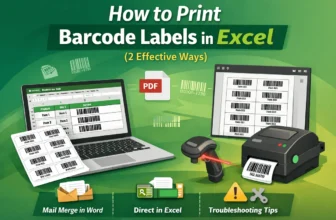
Still writing product labels by hand and sticking plain text codes on the boxes? This is not only old but also risky as a bet. A wrong digit can lead to misplaced stocks, missing shipments, and ...
From managing inventory and serial numbers to shipping labels in Excel, manual entries can become overwhelming. Also, it is too luxurious to hope that it won’t have any errors. As errors often slip ...
Manually typing product codes and SKUs feels no less like the 2000s. Not only is it tiring, but it is also prone to errors. Imagine scanning the product codes to get their latest info! You get faster ...
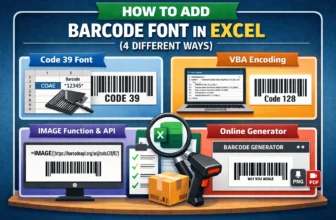
Managing inventory, sales, or product tracking is not just simple calculations. This process often requires using barcodes for more standard and productive worksheets in Excel. Businesses, ...
In Excel, we often need to work with data that is larger or has skewed trends. This makes it harder to analyze that large numeric range, let alone identify its trends. Transforming these numbers into ...
When you deal with data that repeats often, like product codes, employee IDs, or country names, it can quickly become tiring to type them again and again. It takes extra time, alongside increasing ...
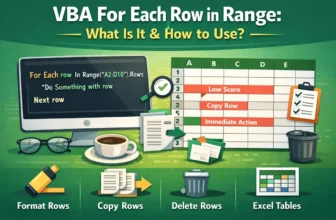
When working with Excel, we often need to perform actions on multiple rows of data. Of course, doing so manually is time-consuming and prone to errors. That’s especially true for large datasets. In ...
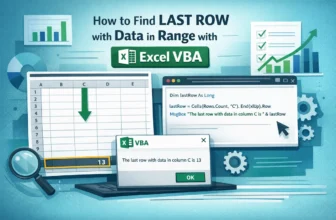
When working with Excel, we commonly need the last row of data in a column or range. It helps you accurately define ranges for formulas, charts, or VBA macros, avoiding including empty cells. It ...