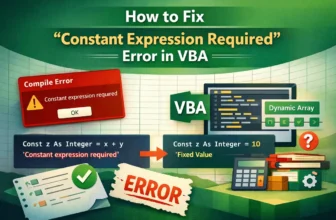
When Excel shows the “Constant Expression Required” error in VBA, it usually happens when you try to assign a constant using variables or arrays instead of fixed values. This compile error stops your ...
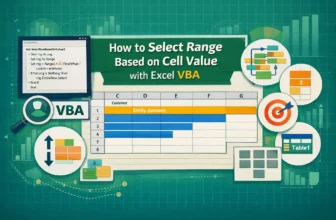
When working with Excel, we often need to highlight or work with ranges that match a specific cell value. Obviously, doing this manually can be time-consuming and not an easy feat, especially when we ...
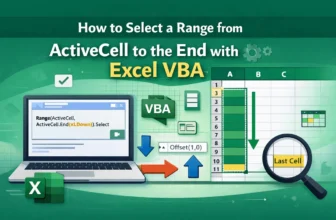
When we are working with an Excel dataset and we need to select a range of cells starting from the active cell to the end of our data, true keyboard shortcuts like Ctrl + Arrow Keys work out. ...
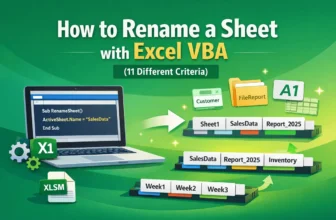
In some cases, when working with an Excel dataset, we need to rename one or more sheets in our workbook to keep them organized or to make the sheet names more meaningful for reports or analysis. ...
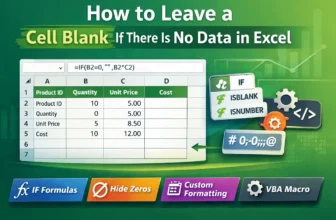
You may often work with excel sheets with unnecessary zeros. But it definitely feels very distracting, isn’t it? Zeros everywhere can make your report look messy. Sometimes, there might be some ...
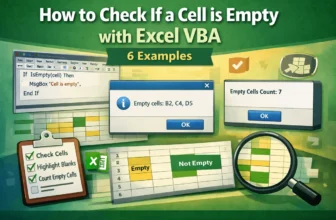
In Excel VBA, checking whether a cell is empty or not is a very common task. You may want to check data entry, count empty cells, or display a message depending on whether a cell is blank. Luckily, ...
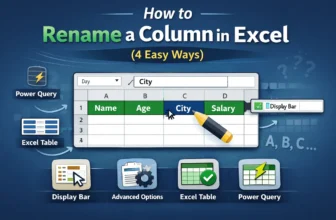
Renaming a column in Excel may sound simple, but it depends on what you’re working with. By default, the columns are named A, B, C, D and so on. Sometimes we may want to change their name to make ...
Column headers in Excel are the titles you see at the top of each column. They play a vital role in data management. These headers help you and others understand what kind of data is stored in each ...
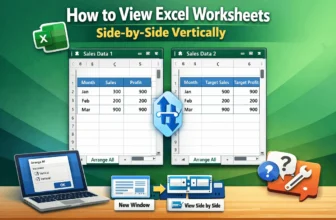
When working with Excel, sometimes we need to look at two worksheets or workbooks at the same time. It allows us to copy and paste data, formulas, or just compare entries between the files more ...