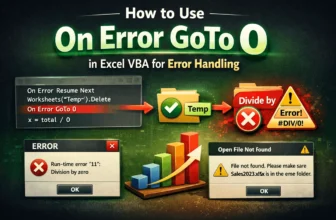
When writing macros in Excel VBA, managing errors is essential to keep your code reliable. By default, VBA uses the behavior of On Error GoTo 0, which means if an error occurs, the macro stops ...
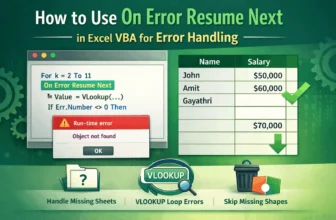
When you're writing macros in Excel using VBA, it's normal to run into errors. These might happen if a worksheet is missing, a value is wrong, or an object isn’t available at the moment the code ...
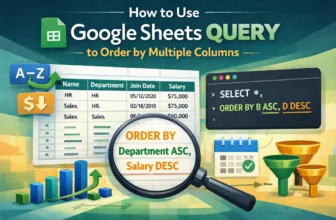
Sorting data by more than one column is essential when working with structured datasets in Google Sheets. Whether you're organizing employee records, sales logs, or event schedules, the QUERY ...
When working across multiple spreadsheets, it’s often necessary to combine data from separate Google Sheets based on a shared column, like a common ID, email, or product name. Whether you're ...
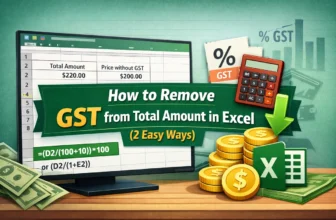
When you buy a product, you pay the price that includes GST. You might be interested to know what price you would have to pay if you removed the GST from the price you paid. There are two ways to ...
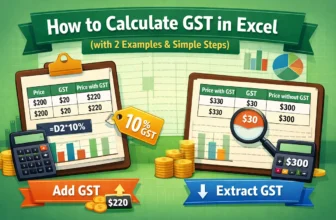
While buying a product, a customer needs to consider both the price of the product and the tax on the product that they have to pay. In Excel, it is possible to calculate GST from either the price ...
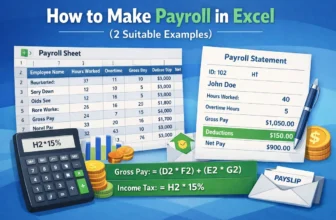
If you work in HR, making payroll might be an integral part of your job. In Excel, it is easy to automate the payroll by creating a master payroll sheet. In case you need individual payroll slips, ...
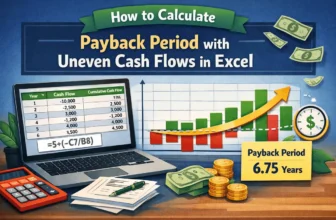
If you want to make an investment for the future, you might be interested to know how many years it would take for the investment to start giving you a profit. While it is pretty easy when the cash ...
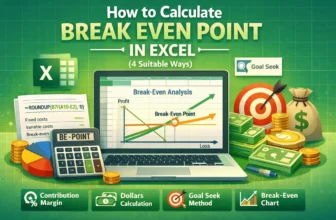
In order to achieve the target profit, a company must calculate the break-even point prior to setting the price. In Microsoft Excel, there are a few ways to do this. In this article, we will learn ...