In the Google Sheets dataset, 0 (zero) often indicates missing data or invalid information. Thus, we need to ignore them when calculating the average to avoid getting inaccurate results. To exclude ...
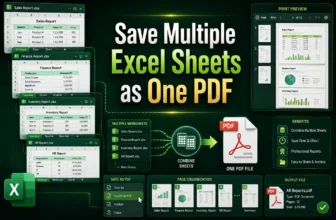
Technically, we seldom work with small datasets or single sheets in the real world. We often need to work with multiple Excel sheets in one file for financial summaries, departmental reports, and ...
Preparing financial documents or major business stats from Excel data often involves presentation in slides. Transforming all the data in the PowerPoint presentation is not often a great idea. Not ...
Organizing the data in Excel is not always enough. Sometimes, we need a more interactive approach to visualize and present them. A perfect solution for that can be PowerPoint slides. However, ...
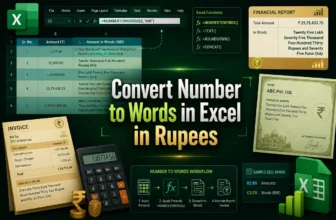
Representing financial documents, receipts, and cheques requires correctly understanding the Rupee format. Often, we need to convert numerical values to words to present the documents properly and ...
Macros in Excel can make it easy to automate repetitive tasks and enhance productivity. However, sometimes, they refuse to run even when they are enabled. You may see errors or nothing happening.
...
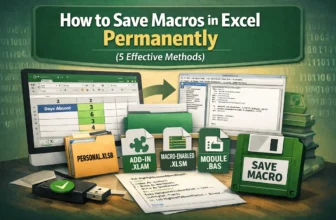
Macros help to automate repeated tasks in Excel very easily. Sometimes the macros are so effective that you want to reuse them for your future work, use them in other files, or share them. That’s ...
When you are working with multiple datasets in Excel, you may have repeated values in your different sheets. These duplicates in values can obviously lead to errors and confusion in reports if you ...
When our dataset appears as multiple values in a single cell separated by a delimiter, we need to split that text into rows for further analysis and better visualization. For this purpose, we can use ...