In Excel, you often require the sum of ranges of cells based on some criteria. Usually, you can do this with SUMIFS for a single sum range. However, to do the same thing for multiple columns, you ...
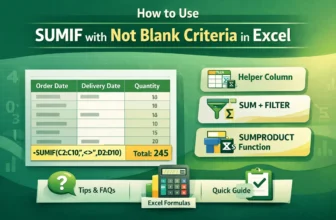
While working in excel, we may often work with datasets with blank cells. And we need to sum up values in a range based on a different column where we have some blank cells. In these cases, we use ...
Normally, the SUMIFS function in Excel is used when we need to add up numbers based on multiple conditions. Most of the time, we use it for conditions like greater than, less than, or equal to. But ...
When working with data in Excel, you’ll often find both positive and negative numbers. Positive values might represent income, sales, or gains, while negative values usually indicate losses, ...
Usually, the SUMIF function in excel works with specific values or conditions. And one of the most common conditions we use is summing the values greater than 0. So, this is very helpful and highly ...
Basically, the SUMIF function in Excel works with specific values or conditions, not cell colors. In fact, Excel doesn't offer any function that can sum values based on cell colors. So, this is one ...
By default, the VLOOKUP function in excel searches for a value in the first column of a table range and returns the result from another column to the right. And I would say, this is the biggest minus ...
The standard VLOOKUP formula, by default, is not case-sensitive. That means it treats uppercase and lowercase characters as the same. For example, it will consider "apple," "Apple," and "APPLE" as ...
Often, information or data came with a mix of text and numbers. In that sense, extracting the numbers from the text gives a clear view and better readability. On the other hand, removing unnecessary ...