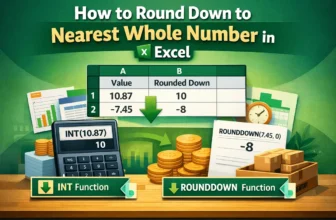
When working with numbers in an Excel worksheet, sometimes you may need to ignore the decimal parts. That’s especially true when maintaining calculations like budgeting or inventory. In such a case, ...
You can split your Excel sheet into multiple worksheets depending on a specific data value. It can keep your large and related information organized and simplify your workflow in Excel.➤ ...
When you transfer data from a different system to Excel, you might find carriage returns putting each text in a different line. As they often interfere with data processing, formatting, and analysis, ...
In Excel, a simple division formula can convert seconds to minutes. However, the result can display as a decimal number and you might want a different format for a cleaner look. Several Excel ...
Whether you're creating a payment tracking workbook, invoice schedule, or assignment submission sheet, calculating overdue dates is a common necessity. Combining Excel's subtraction method with ...
Excel tasks like creating time-based logs, project tracking, scheduling, etc., often require subtracting hours from a specified time. Excel's TIME function allows you to use the simple Excel ...
Exporting data from external sources often converts dates into 8-digit numbers. Excel dates are basically sequential serial numbers, but 8-digit numbers are not the same. Therefore, Excel doesn’t ...
By default, Excel rounds up numbers to two decimal points even though your original stored data is much larger. While it provides a cleaner look, displaying the exact numbers can be essential for ...
When you import data from other external systems or user entries, some texts become all lowercase and inconsistently capitalized. Capitalizing the first letter is essential to give your dataset a ...