Creating a data validation list from a table in Excel helps you build drop-down menus that expand automatically when new items are added. Unlike static lists, a table-based validation list stays ...
Ensuring data accuracy in Excel is crucial when working with large datasets or reports. Sometimes, a single validation rule isn’t enough and you might want to check for multiple conditions at once, ...
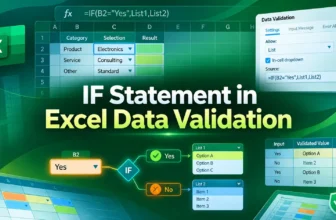
Data validation in Excel is an effective feature that lets you control what users can enter into a cell. By using an IF statement in data validation, you can create conditional rules that adapt based ...
Data validation in Excel ensures that cell entries meet certain rules like picking from a drop-down list, entering numbers within a range, or restricting dates. It’s a handy way to keep your dataset ...
When working with Excel, sometimes a single validation rule is not enough to ensure data quality. You may want to apply multiple custom criteria to control what users can enter in a cell. For ...
When building smart Excel forms or dashboards, dropdown lists that change based on another cell can dramatically improve usability. Whether you're managing categories, subcategories, or dynamic data, ...
If you're working with large datasets in Excel, spotting incorrect entries manually can be time-consuming and error-prone. Luckily, Excel provides a built-in Circle Invalid Data feature that visually ...