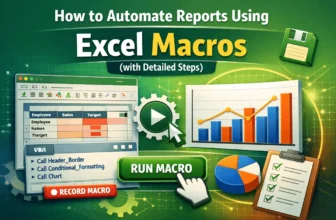
Excel’s Macro Recorder and Visual Basic for Applications (VBA) can automate repetitive reporting tasks, turning hours of manual work into a simple click. Macros allow you to record complex sequences ...
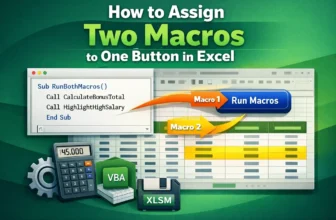
Sometimes, you might want a single button in Excel to perform multiple actions at once, like formatting data and calculating totals simultaneously. Assigning two macros to one button directly isn’t ...
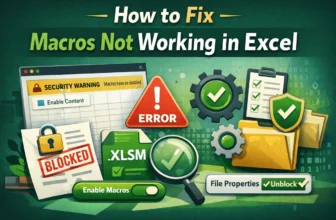
Macros are effective tools that automate repetitive tasks in Excel using VBA (Visual Basic for Applications). However, sometimes you may find that your macros stop working as this could happen after ...
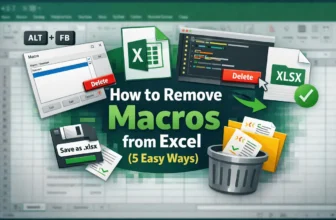
Macros in Excel are effective tools that automate repetitive tasks, but sometimes you’ll need to remove them. Maybe a macro is outdated, causing errors, or you simply want a clean workbook without ...
Macros in Excel are effective tools that allow you to automate repetitive tasks, from formatting tables to performing calculations across large datasets. By recording and editing macros, you can save ...
Automating repetitive tasks in Excel can save significant time, especially if you regularly apply the same formatting or calculations across multiple worksheets. The Macro Recorder is one of Excel’s ...
Adding a button that triggers the Assign Macro pop-up is one of the simplest ways to make your Excel workbooks interactive. Instead of remembering shortcut keys or running macros from the Developer ...
Macros in Excel help you customize and automate tasks easily. Sometimes, you cannot edit a macro because the workbook is hidden or protected. It prevents you from making necessary changes or updates. ...
Macros in Excel can make it easy to automate repetitive tasks and enhance productivity. However, sometimes, they refuse to run even when they are enabled. You may see errors or nothing happening.
...