Excel Pro Tips
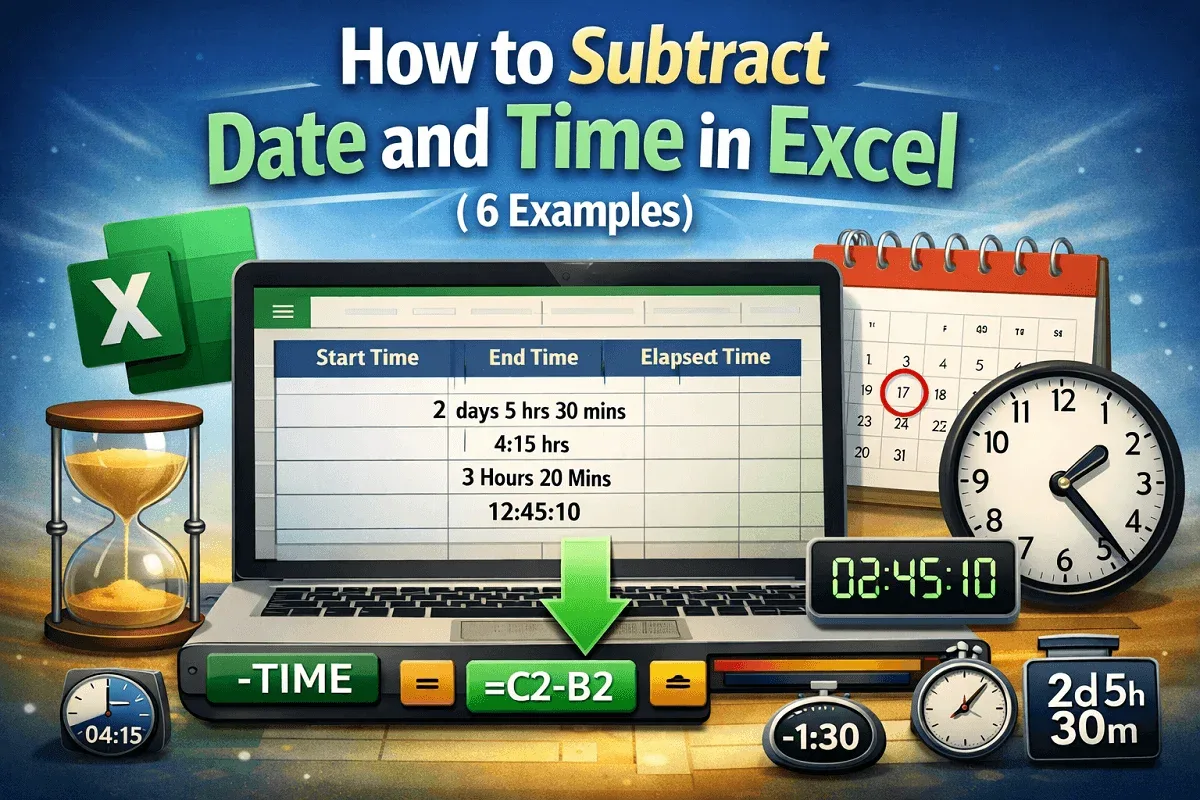
How to Subtract Date and Time in Excel (6 Examples)
Learn to subtract date and time in Excel using INT, TEXT, HOUR, MINUTE, TIME, and NOW to calculate precise payroll durations accurately.
Read article

16 articles tagged with “Excel Time Calculation”
Learn to subtract date and time in Excel using INT, TEXT, HOUR, MINUTE, TIME, and NOW to calculate precise payroll durations accurately.
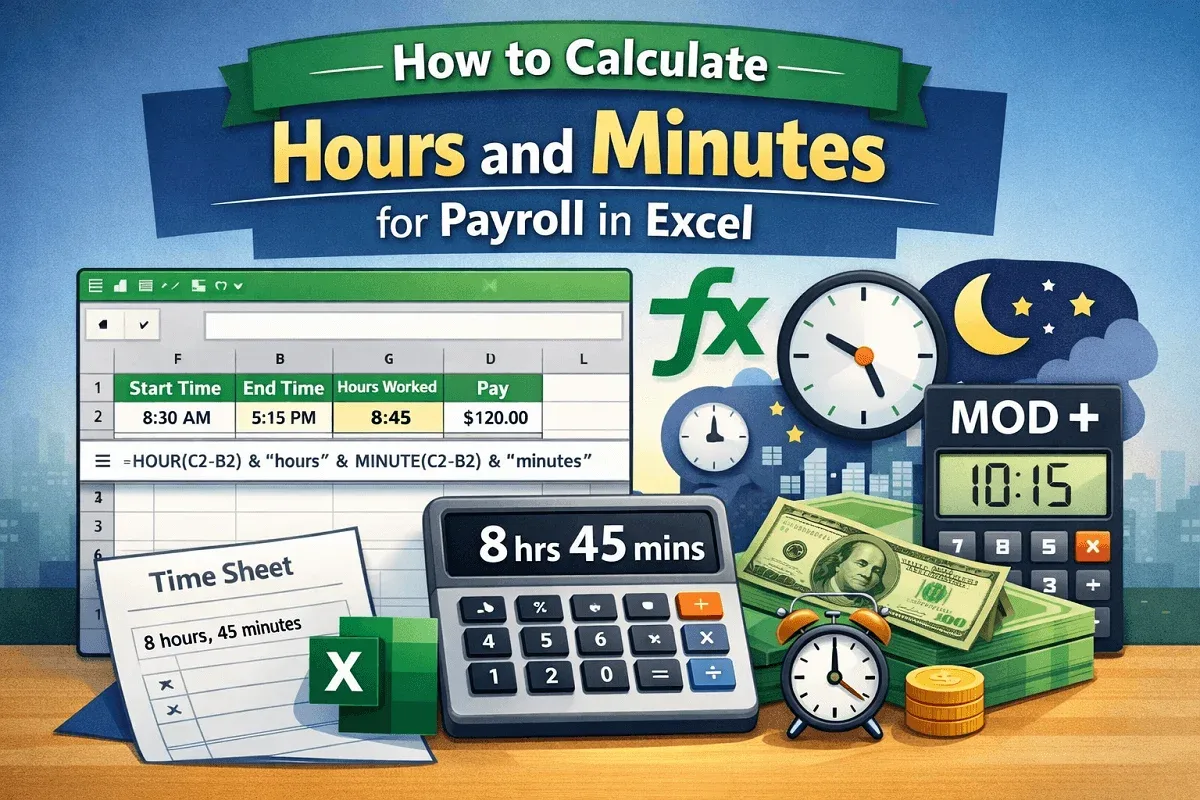
Learn how to calculate payroll hours and minutes in Excel using subtraction, TEXT, IF, HOUR, MINUTE, TIME, MOD, and NOW functions.
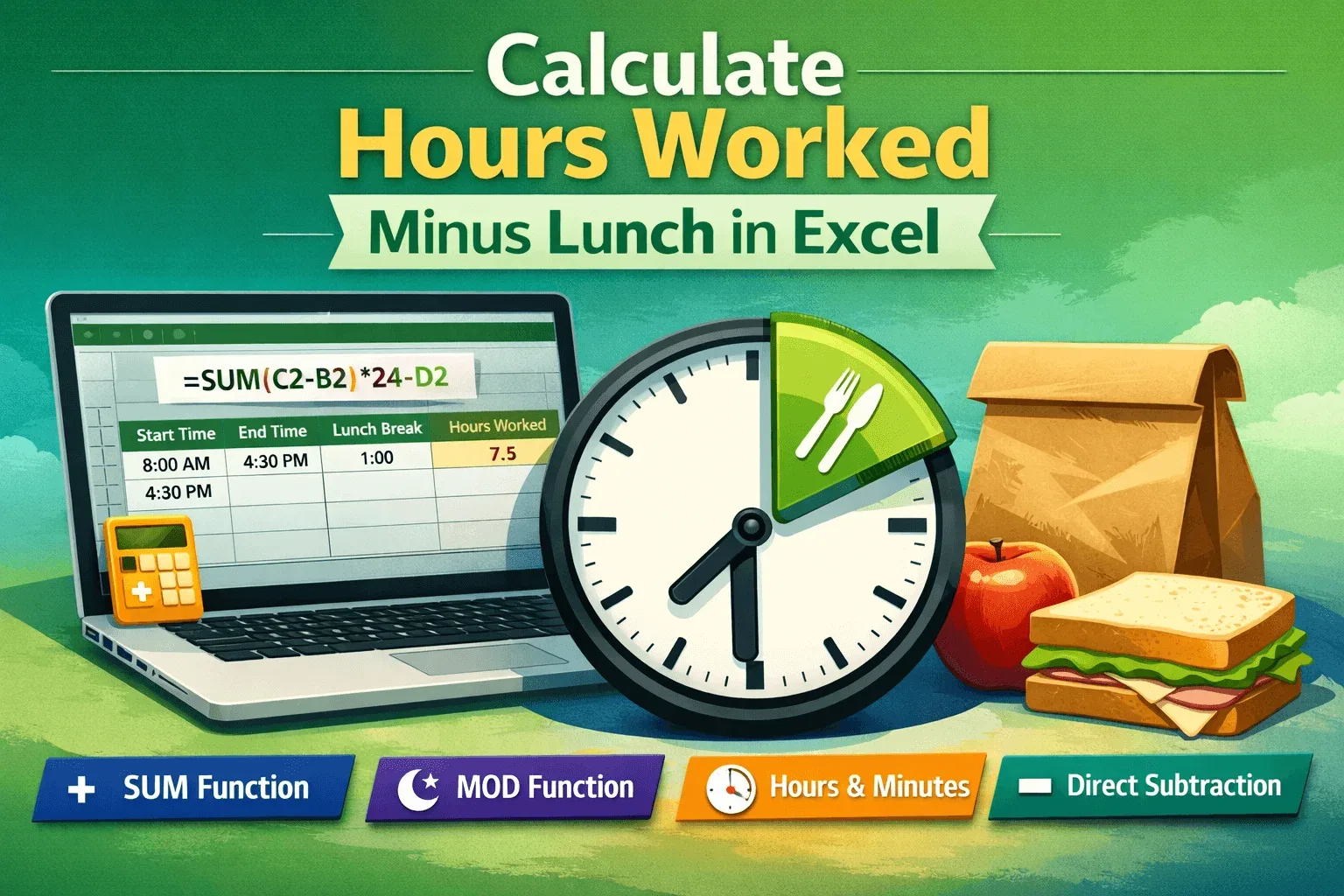
Learn simple Excel methods to calculate hours worked minus lunch using SUM, MOD, direct subtraction, and format results in hours and minutes.
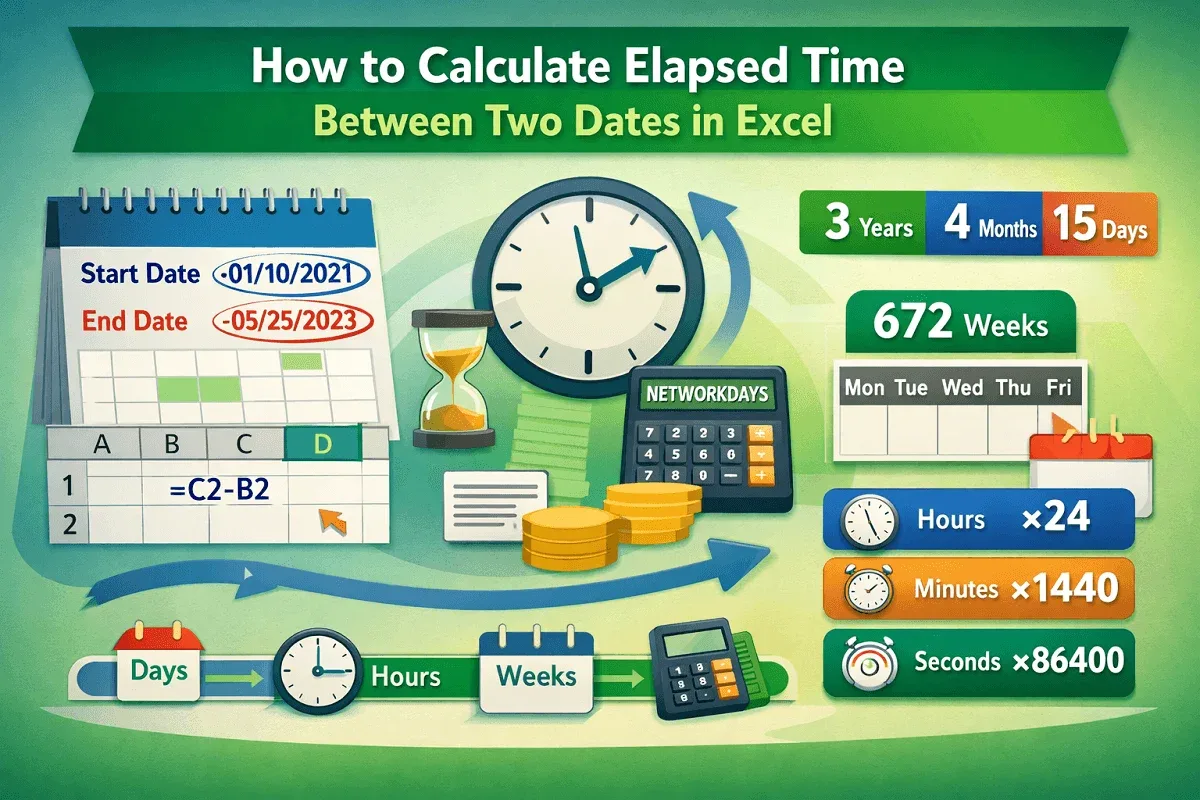
Learn how to calculate elapsed time between two dates in Excel using subtraction, DATEDIF, NETWORKDAYS, and unit conversions.
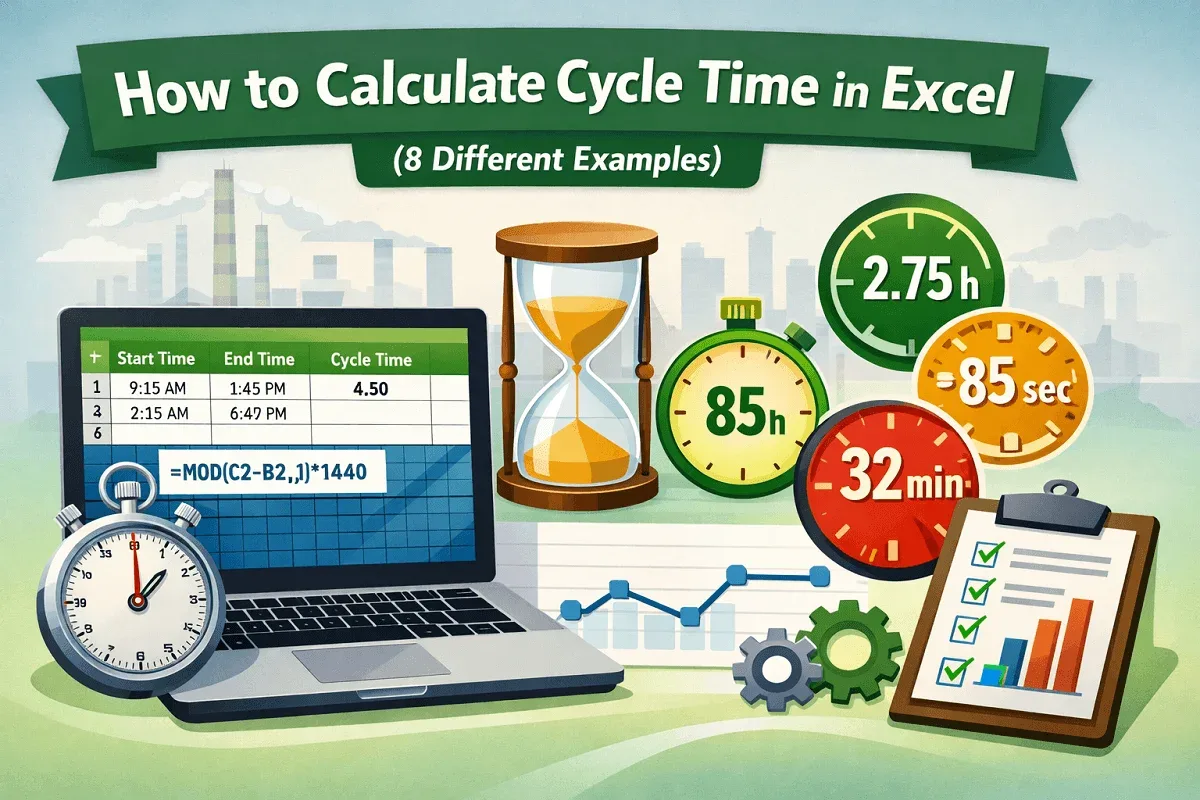
Learn how to calculate cycle time in Excel using subtraction, MOD, and unit-based formulas for minutes, seconds, and hours accurately.

Learn how to add hours, minutes, and seconds in Excel using the plus operator, SUM, TEXT, and TIME functions with simple examples.
Learn how to calculate time differences in minutes in Excel using arithmetic, HOUR & MINUTE functions, and the TEXT function.

Learn how to add time in Excel over 24 hours using formulas and custom formatting to correctly sum and display total time values.
Learn how to add minutes and seconds in Excel using the plus operator, SUM, TEXT, or TIME functions for accurate time calculations.
Learn how to calculate hours and minutes in Excel using simple subtraction, the TEXT function, or INT and MOD for separate time values.
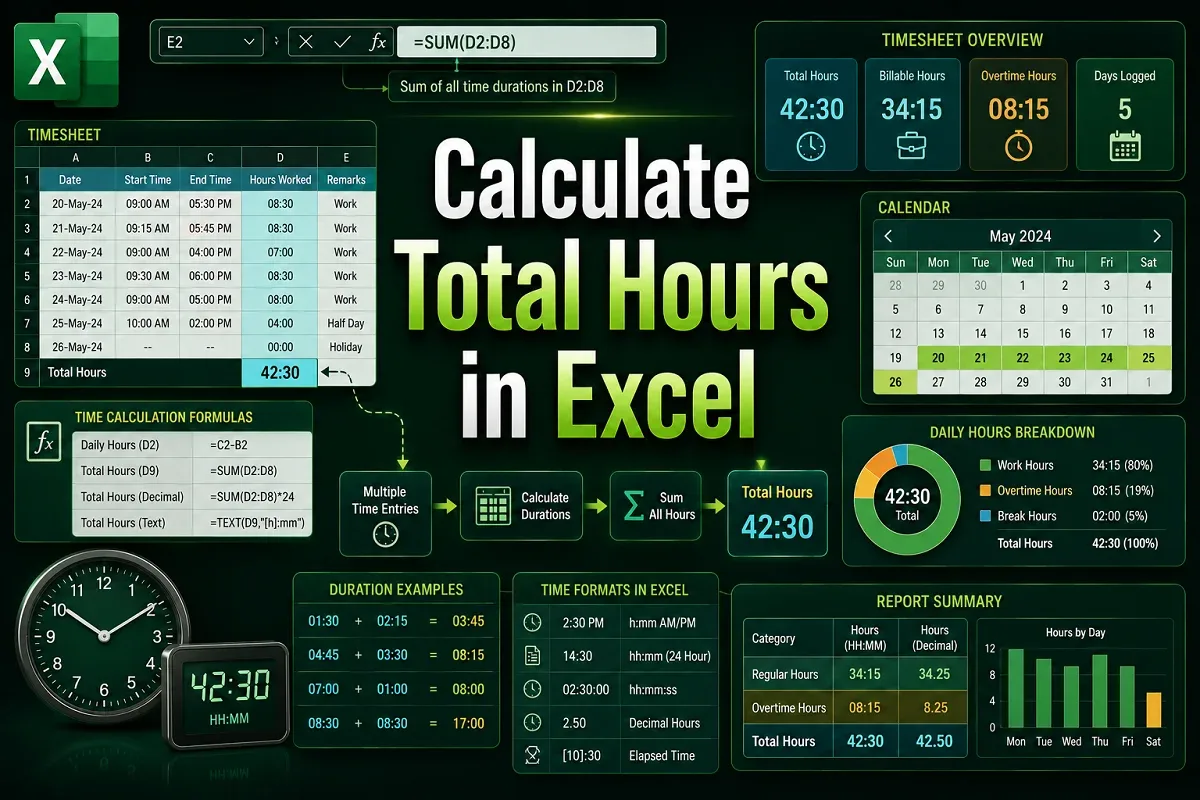
Learn how to calculate total hours in Excel using correct time formats, MOD, TEXT, and conditional formulas for regular and overnight shifts.
Learn how to calculate time difference in Excel using direct subtraction, TEXT, IF, MOD functions and convert results to minutes or seconds.