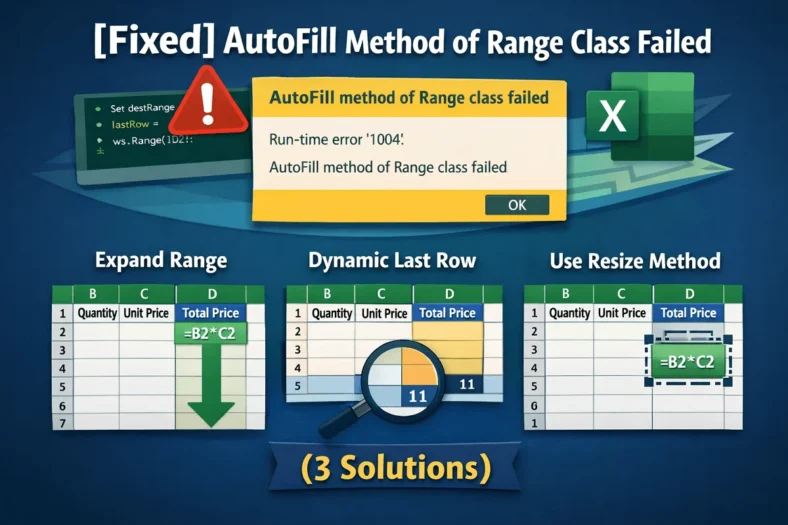
[Fixed] AutoFill Method of Range Class Failed (3 Solutions)
When working with Excel VBA to fill formulas or data automatically, you might run into the error: “AutoFill method of Range class failed.” This error typically occurs when your macro

When working with Excel VBA to fill formulas or data automatically, you might run into the error: “AutoFill method of Range class failed.” This error typically occurs when your macro
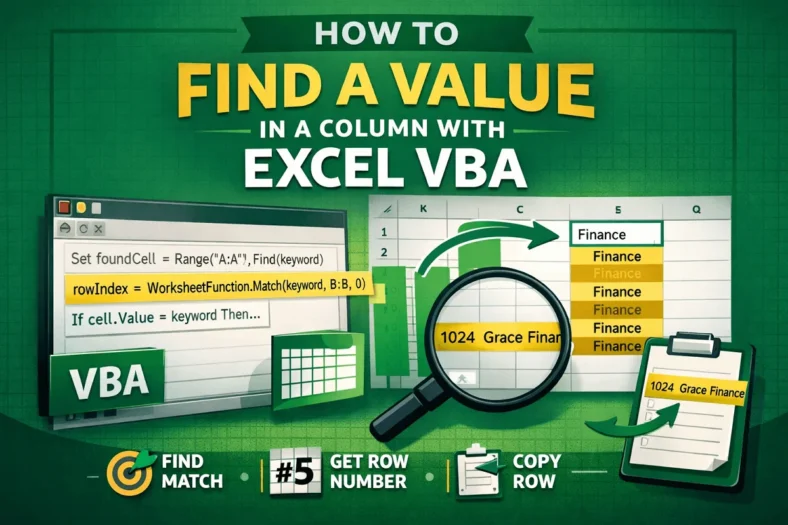
Searching for data in Excel is common when verifying entries, locating errors, or gathering related information. Doing this manually or with worksheet formulas can be slow, especially on large sheets.

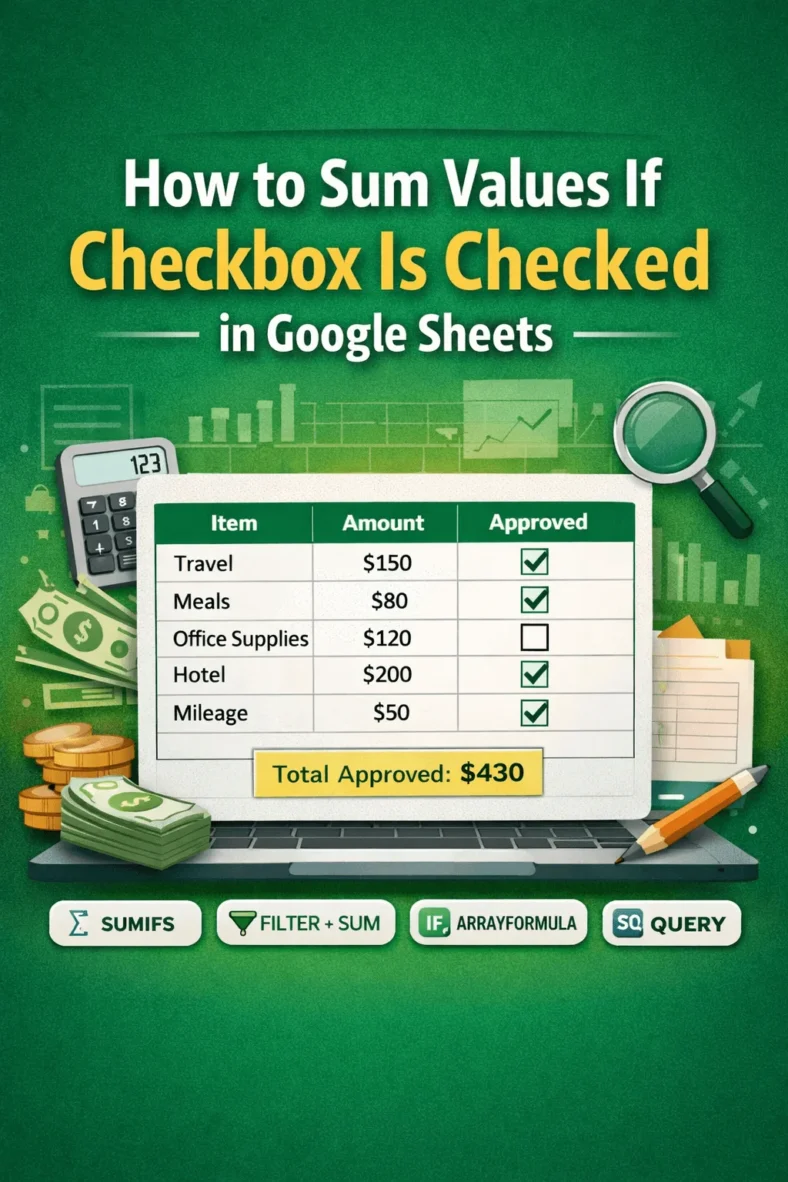
When managing approvals, budgets, or expenses in Google Sheets, it’s common to track items using checkboxes. For example, you might have a list of reimbursements where a checkbox in the

Finding duplicate entries in Google Sheets is essential when working with lists like employee IDs, emails, or product codes to maintain data accuracy. Duplicates can cause errors or confusion, so

If you have two shipment records and want to find out which Product IDs from the first shipment are missing in the second, this guide will walk you through several

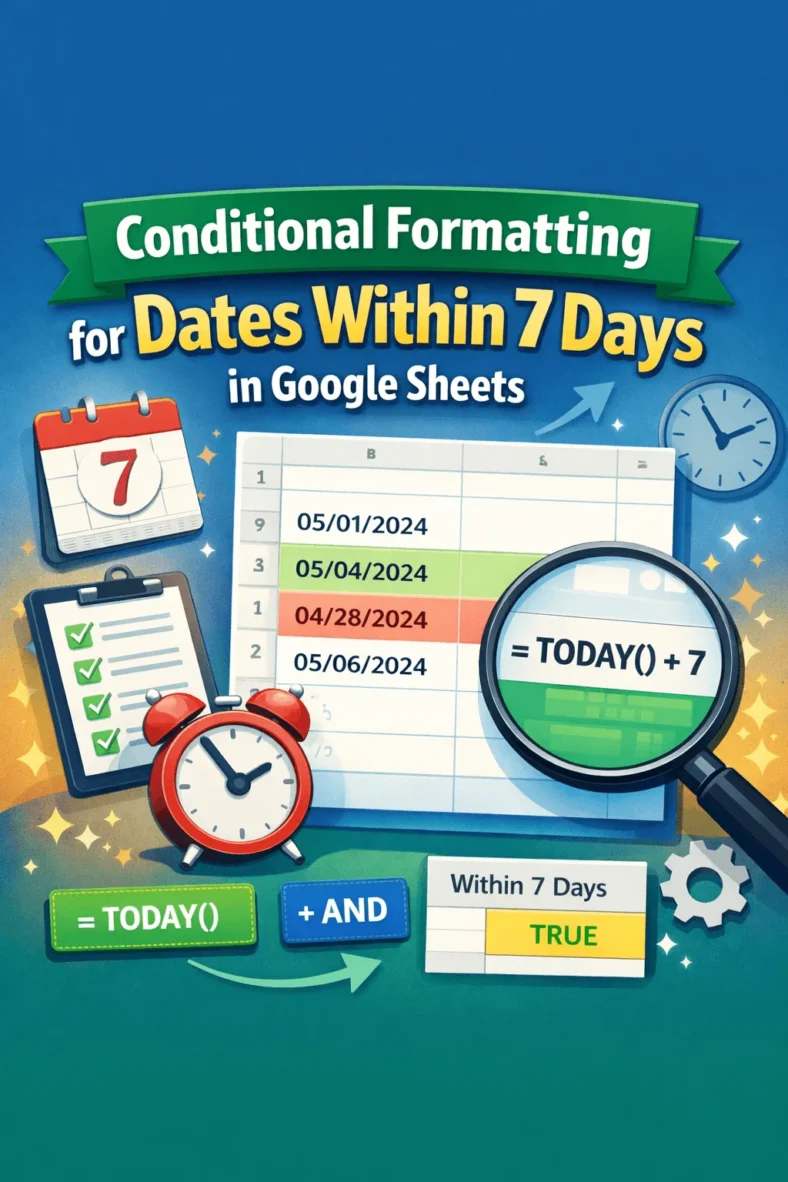
Need to track upcoming deadlines, events, or tasks in your spreadsheet? Google Sheets lets you use conditional formatting to highlight dates that fall within the next 7 days automatically. This

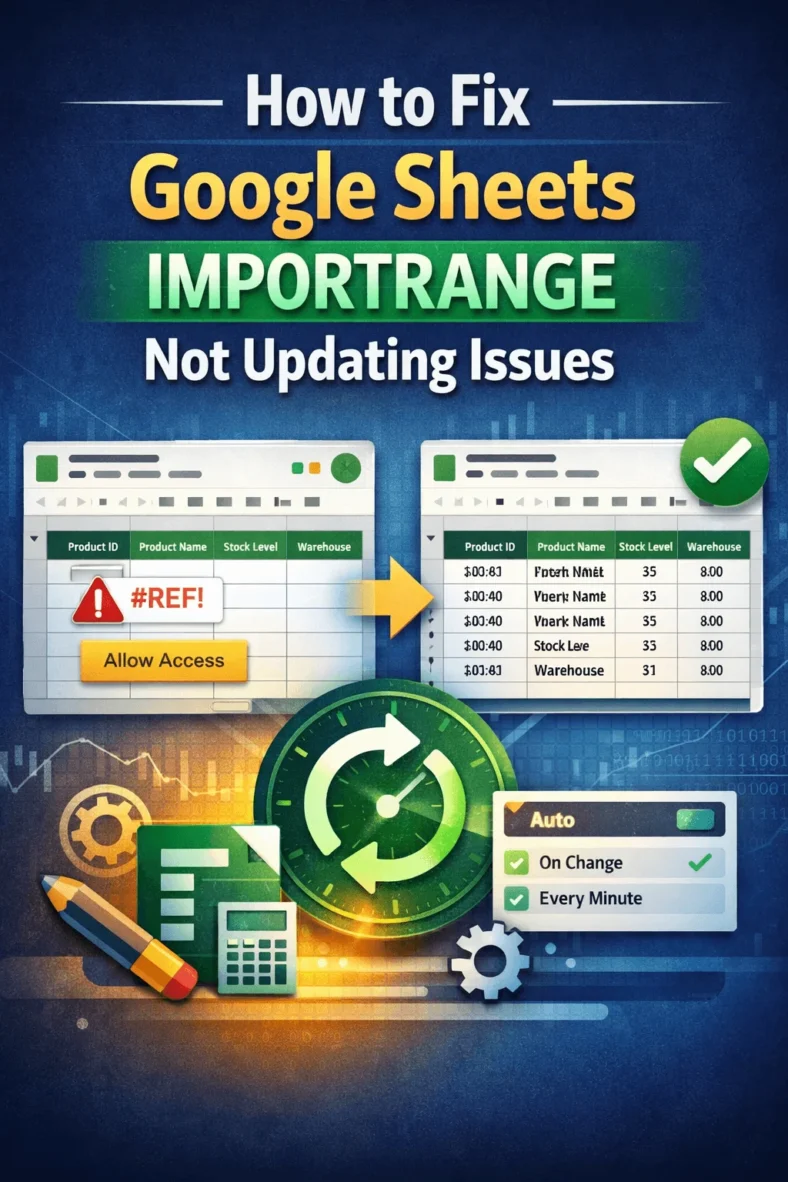
IMPORTRANGE is a powerful function in Google Sheets that lets you pull data from one spreadsheet into another. However, users face issues when IMPORTRANGE stops updating automatically. This can cause

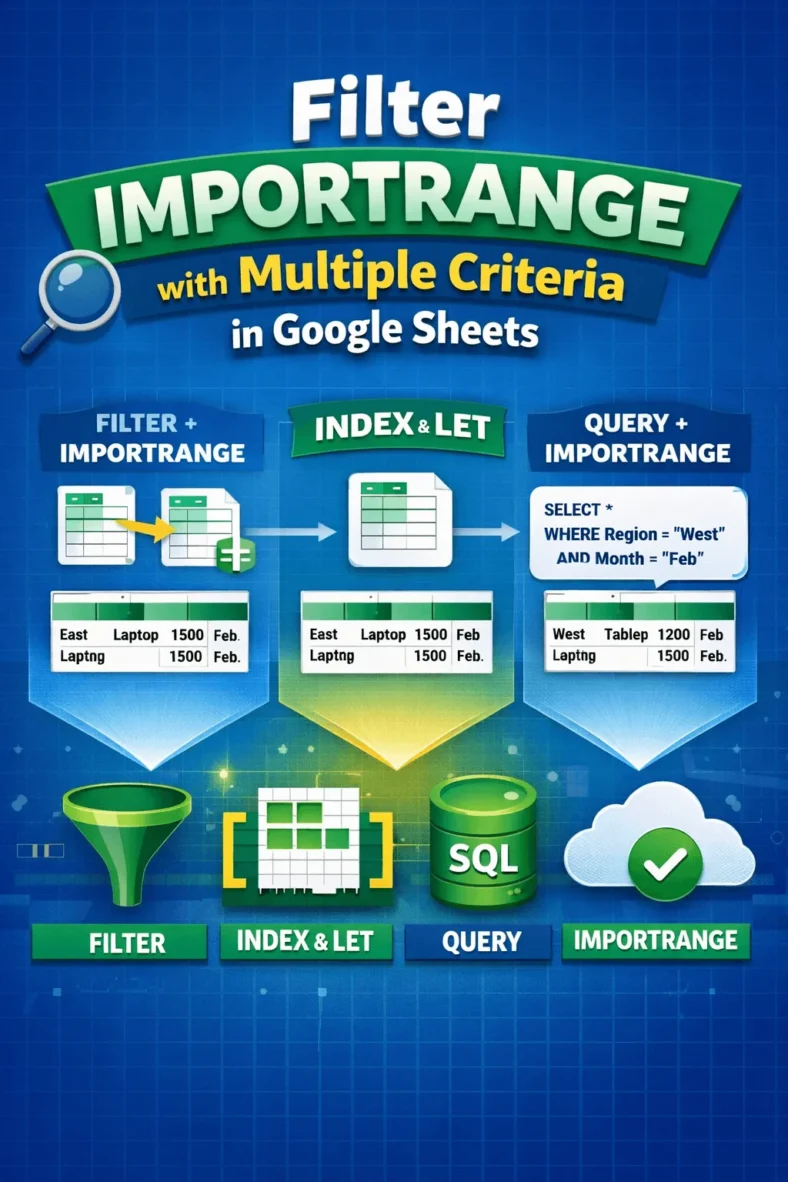
Combining the IMPORTRANGE and FILTER functions lets you pull and display data from another Google Sheet based on specific conditions. But when you need to apply multiple criteria, things get

Need to connect data between two different Google Sheets files? Whether you’re building dashboards, pulling reports from other teams, or organizing a multi-sheet workflow, Google Sheets offers several ways to