Google Sheets Functions
How to Return a Value If Cell Color Is Red in Google Sheets
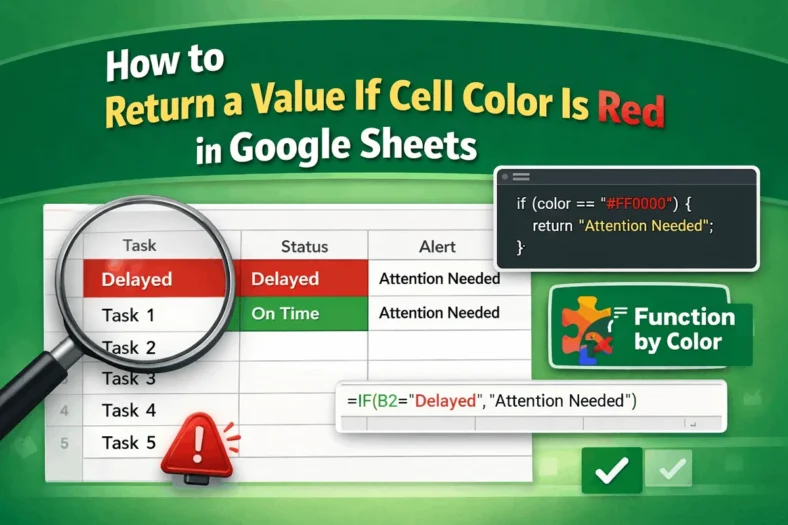
In Google Sheets, you can return a specific value in one column based on the background color of a cell in another column, such as flagging a row if a


In Google Sheets, you can return a specific value in one column based on the background color of a cell in another column, such as flagging a row if a

Sorting helps make your data easier to analyze, especially when you’re working with large datasets. While Excel allows basic sorting through the ribbon, automating multi-column sorts with VBA offers greater
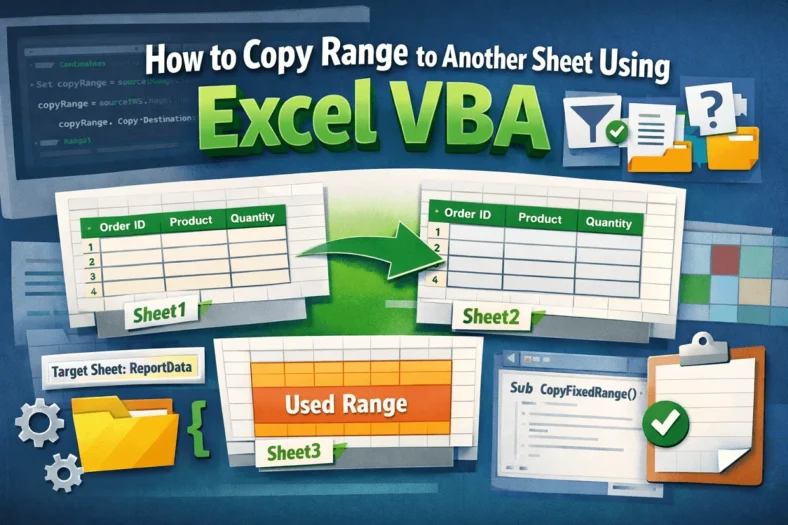
When managing data across multiple worksheets, copying specific ranges between sheets is a common task. Whether you’re consolidating reports, archiving data, or preparing summaries, VBA can help automate this process
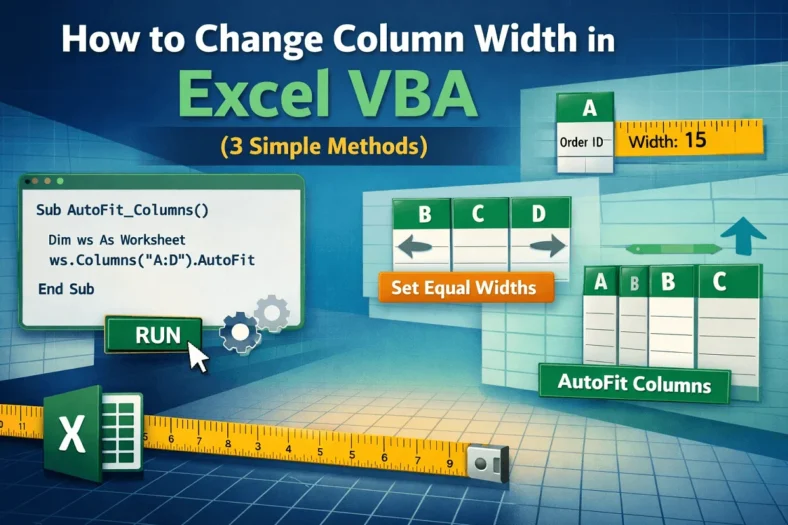
When working with Excel reports or imported data, column widths often need adjusting to make your sheets look clean and readable. Whether you want to set a fixed width, apply

Empty rows can clutter your Excel worksheet and make your data harder to work with. Whether you’re cleaning up survey responses, exporting reports from external systems, or just maintaining tidy
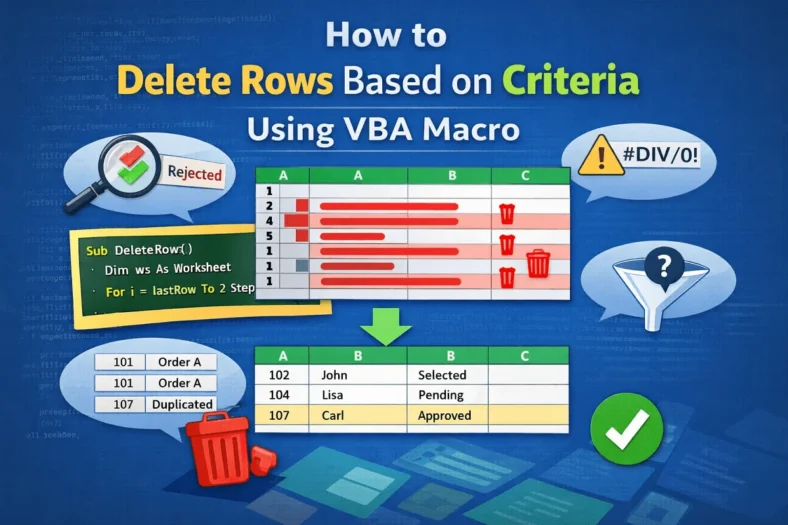
When working with Excel data, you may find rows that are not useful. These could be blank rows, duplicates, rows with errors, or entries that do not meet your specific
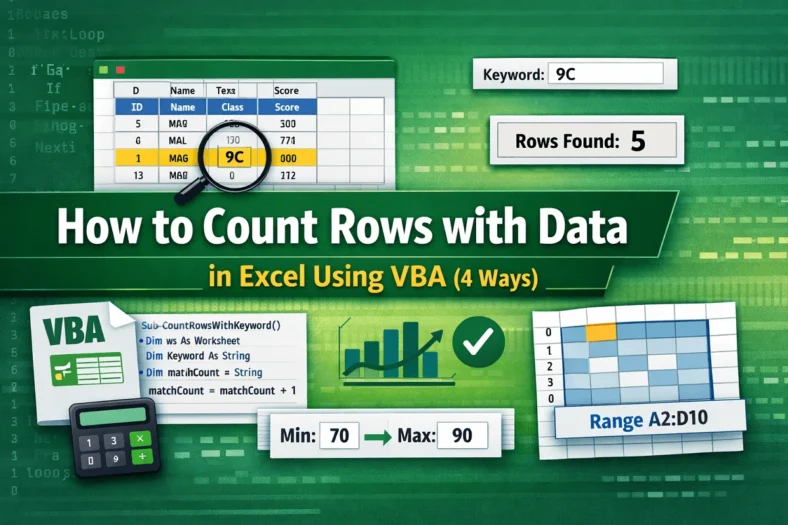
If you regularly work with lists or tables in Excel, you might often need to count how many rows contain a specific value. Instead of applying filters or using formulas
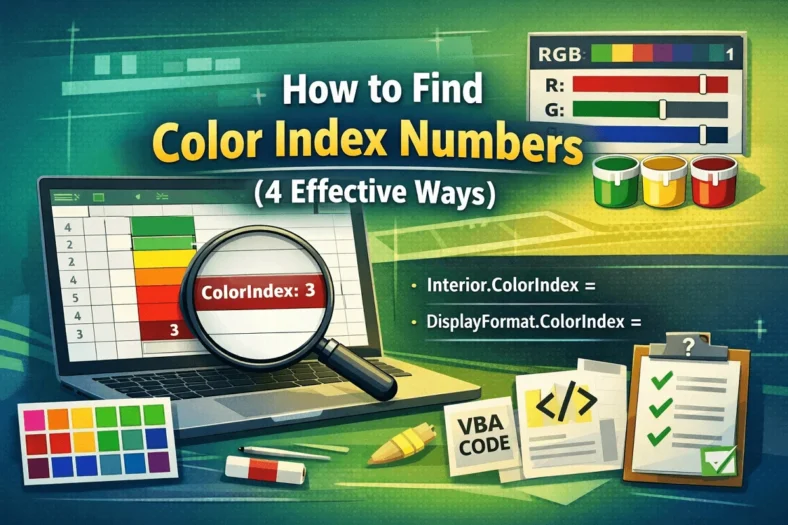
When working with cell colors in Excel, you might want to identify or replicate a color using VBA. Excel’s ColorIndex property assigns each color a number, which makes it easy
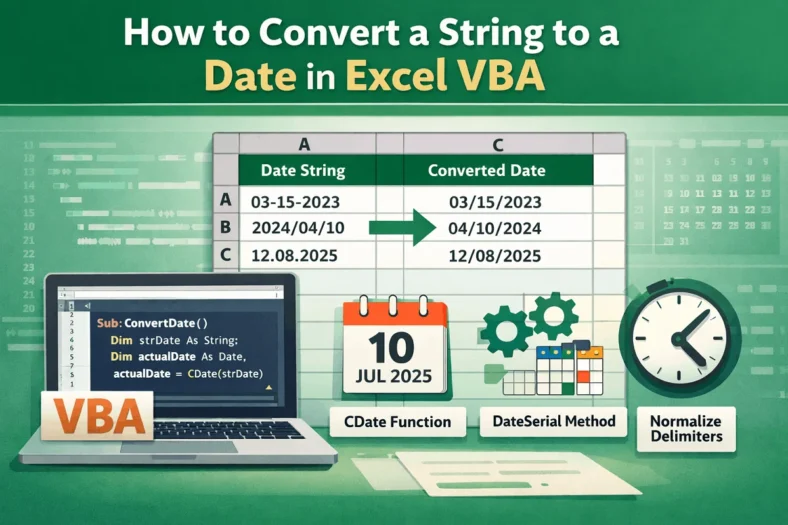
Converting strings to dates is a common task in Excel VBA, especially when working with data imported from text files or external sources. Getting the date conversion right helps ensure
