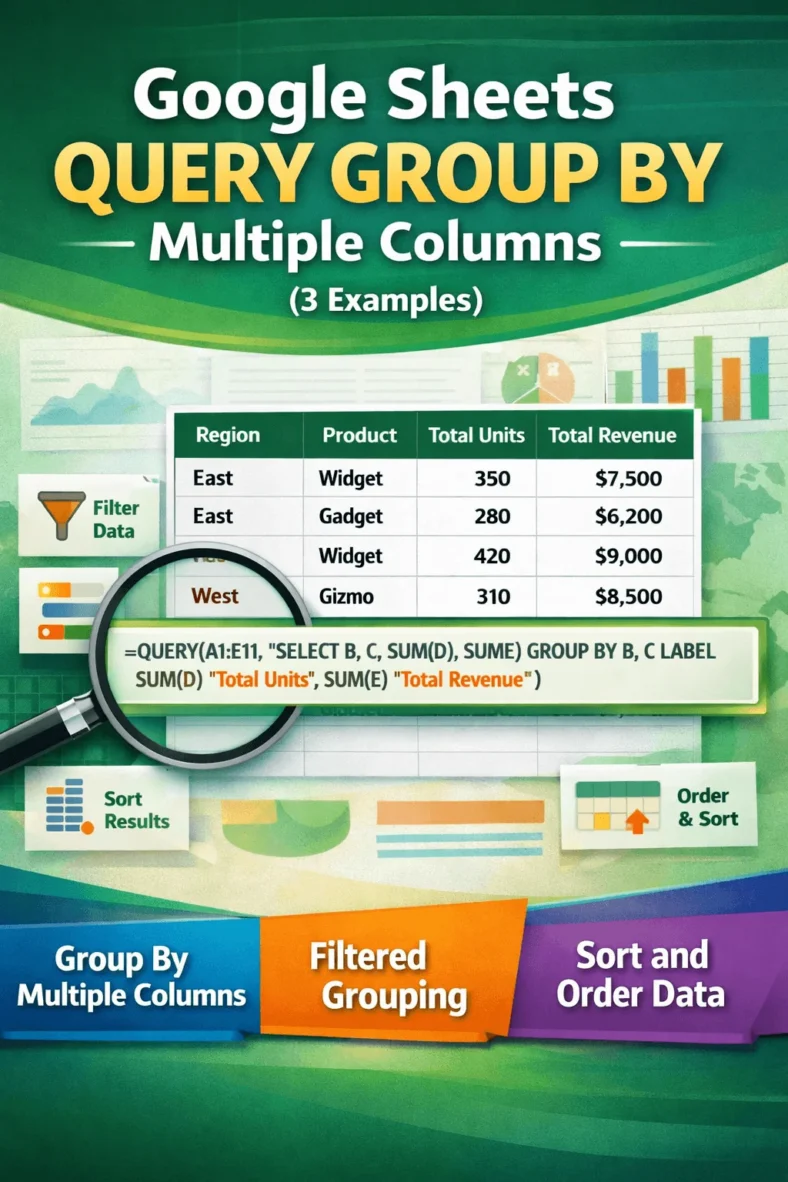
Google Sheets QUERY GROUP BY Multiple Columns (3 Examples)
The QUERY function in Google Sheets is a powerful tool for summarizing and analyzing data, especially when you need to group values across more than one column. Whether you’re managing
The QUERY function in Google Sheets is a powerful tool for summarizing and analyzing data, especially when you need to group values across more than one column. Whether you’re managing
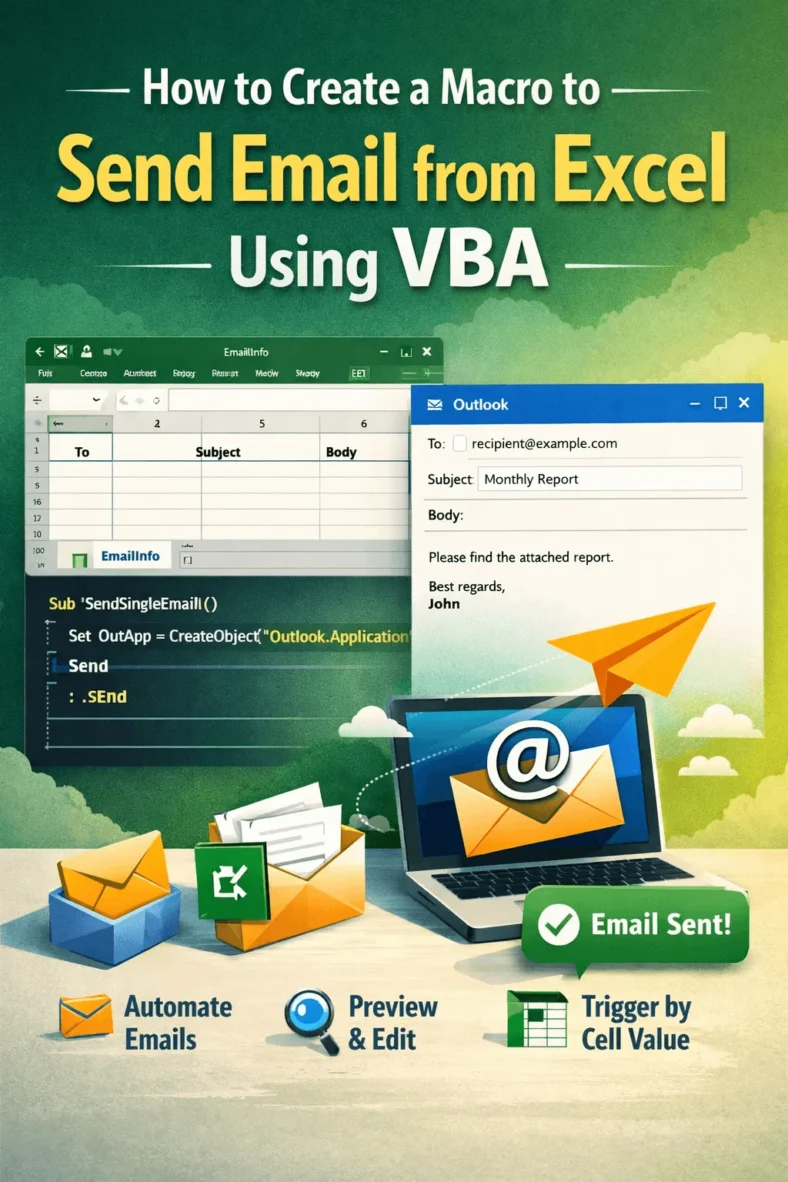
Sending emails manually from Outlook can be repetitive, especially when you are working with data in Excel. Whether you’re notifying employees, sending invoices, or distributing reports, automating the email process

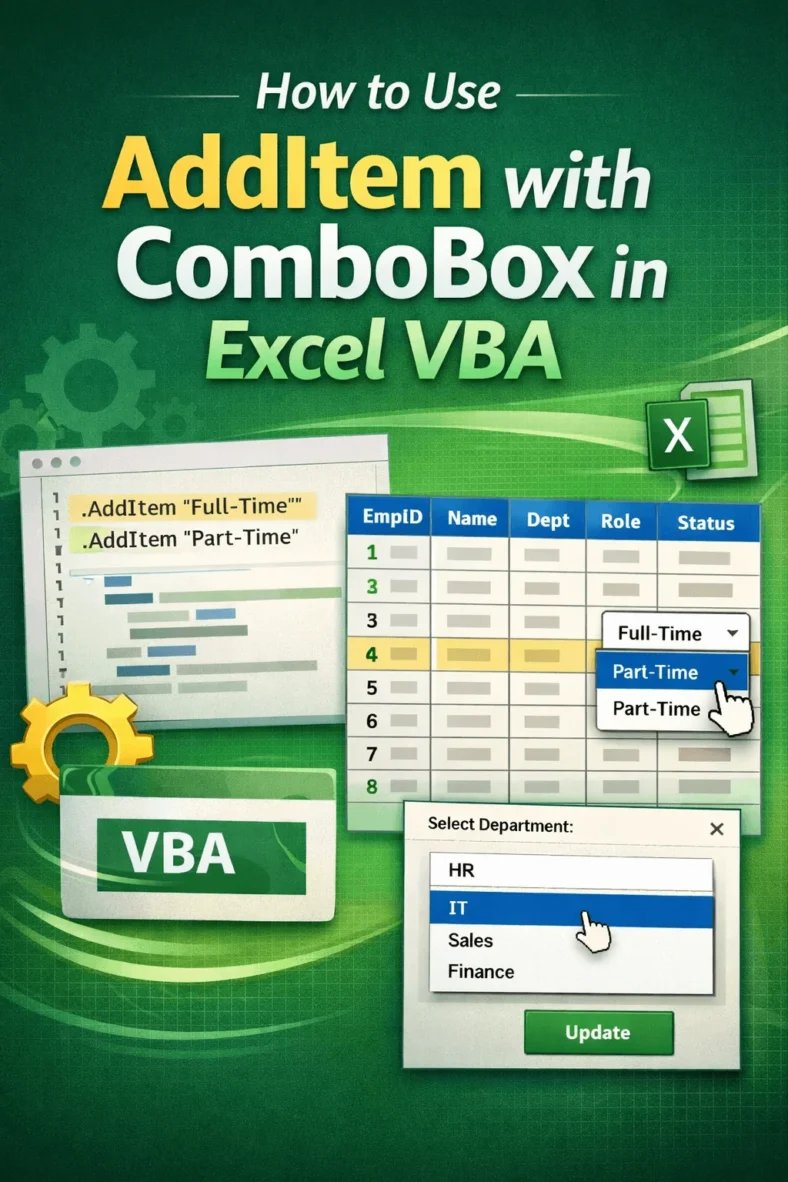
When designing forms in Excel VBA, ComboBoxes lets users select from a list instead of typing values manually. This not only improves accuracy but also enhances the user experience. One

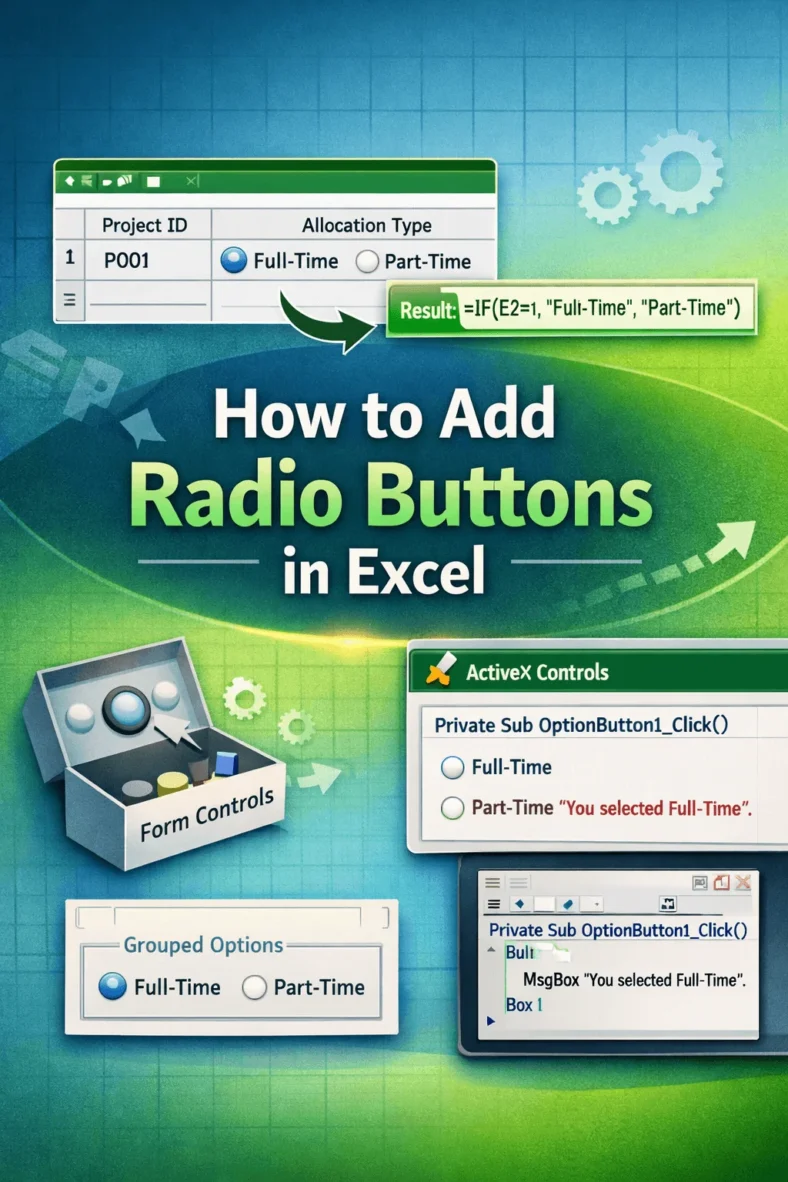
Radio buttons, also known as option buttons, are a powerful tool in Excel for creating interactive forms and data input systems. They allow users to select only one option from

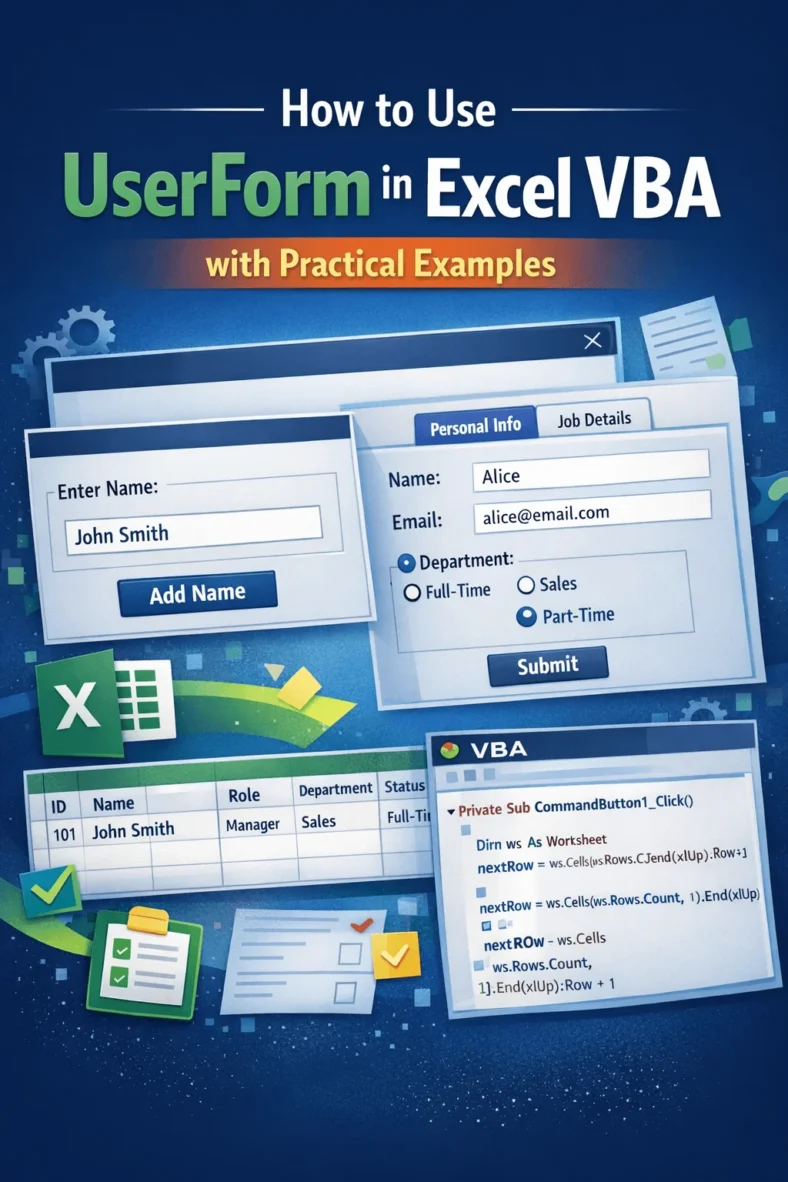
UserForms in Excel VBA let you build interactive forms that improve user experience and data input. Instead of entering values directly into cells, you can collect information through buttons, text

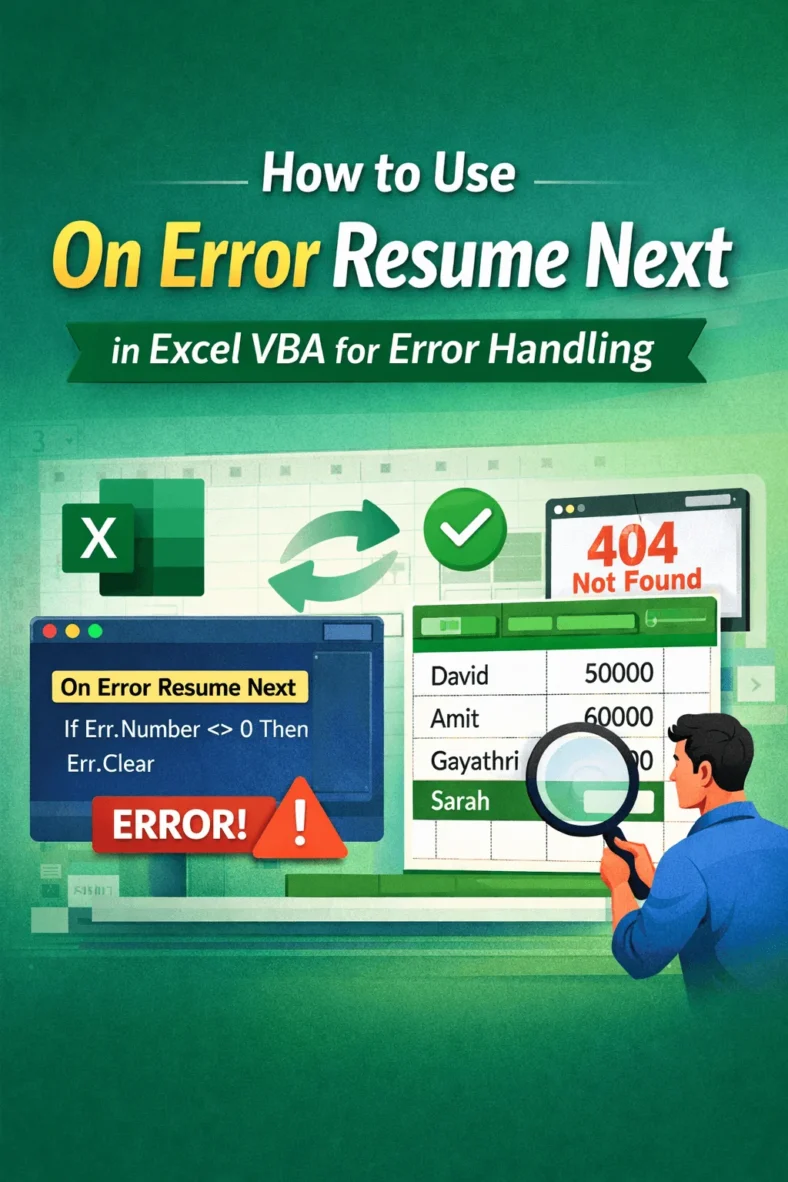
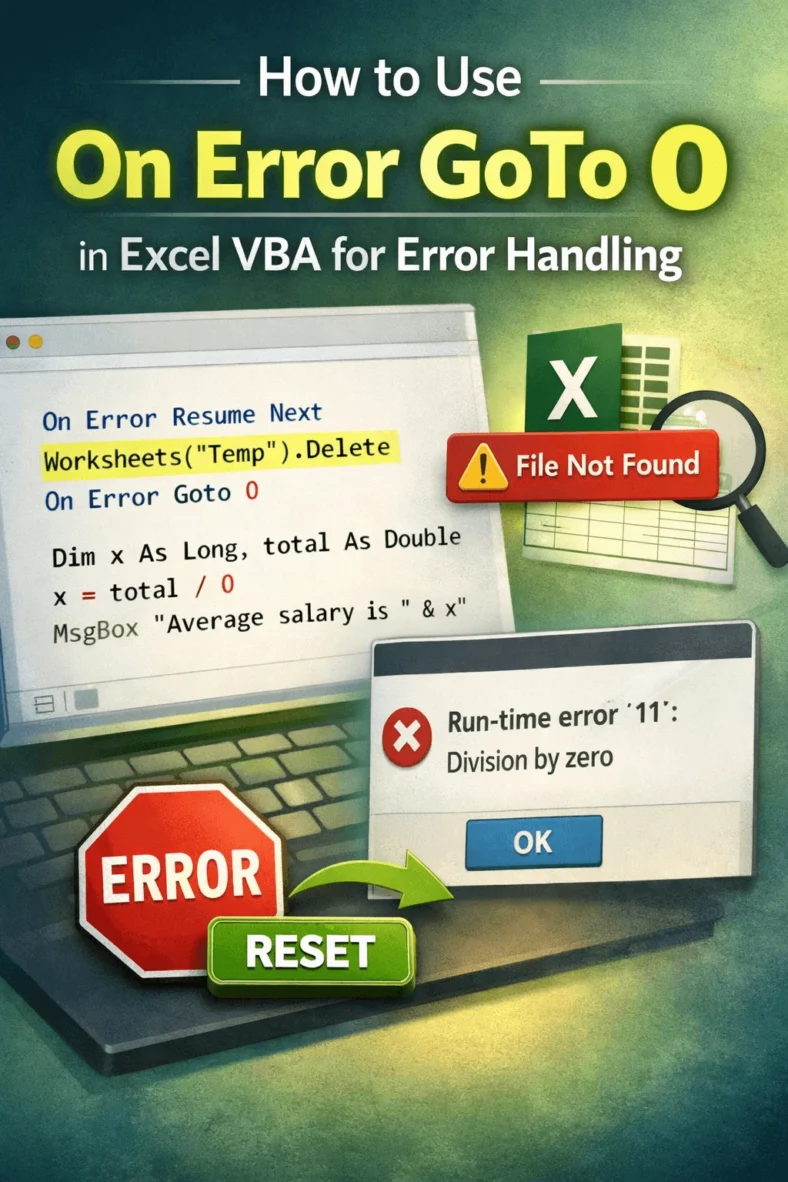
When writing macros in Excel VBA, managing errors is essential to keep your code reliable. By default, VBA uses the behavior of On Error GoTo 0, which means if an

When you’re writing macros in Excel using VBA, it’s normal to run into errors. These might happen if a worksheet is missing, a value is wrong, or an object isn’t

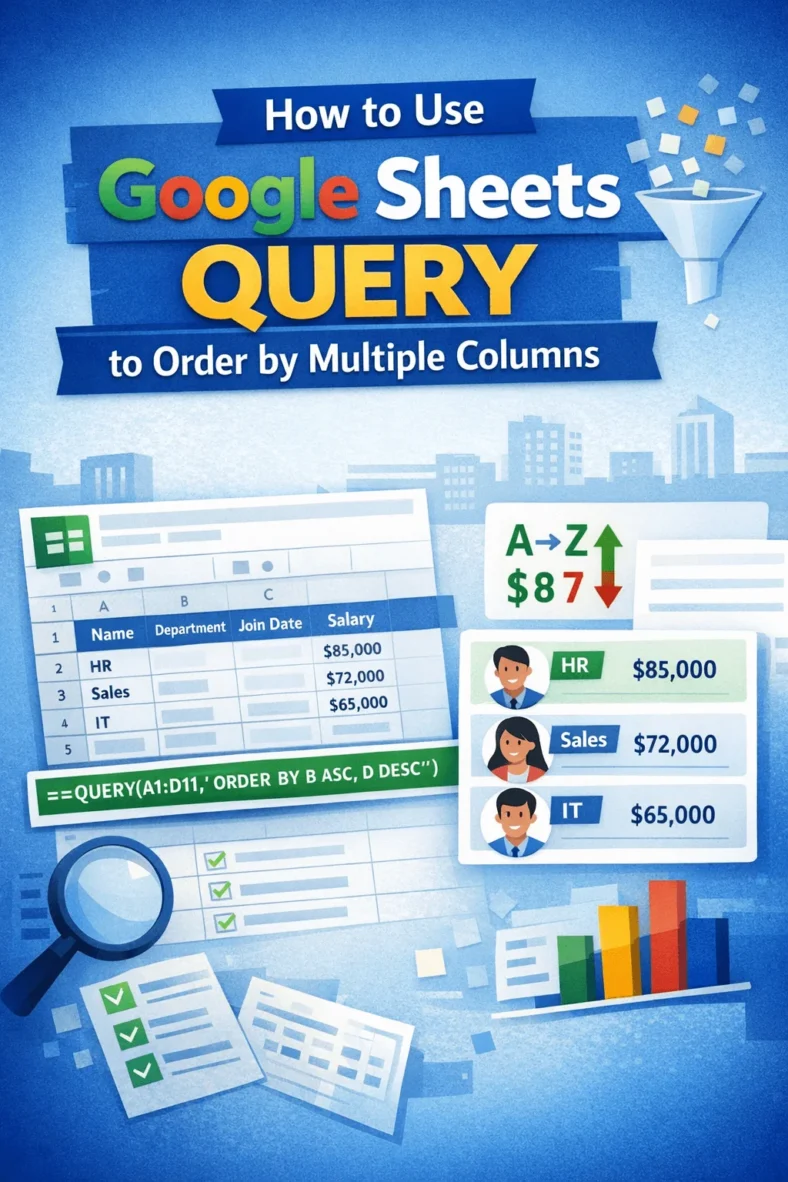
Sorting data by more than one column is essential when working with structured datasets in Google Sheets. Whether you’re organizing employee records, sales logs, or event schedules, the QUERY function

When working across multiple spreadsheets, it’s often necessary to combine data from separate Google Sheets based on a shared column, like a common ID, email, or product name. Whether you’re