Excel VBA
How to Use Exit For Loop in Excel VBA (with 3 Practical Examples)
One of the most crucial skills to have when working with loops in Excel VBA is understanding not only how to begin a loop but also how and when to


One of the most crucial skills to have when working with loops in Excel VBA is understanding not only how to begin a loop but also how and when to
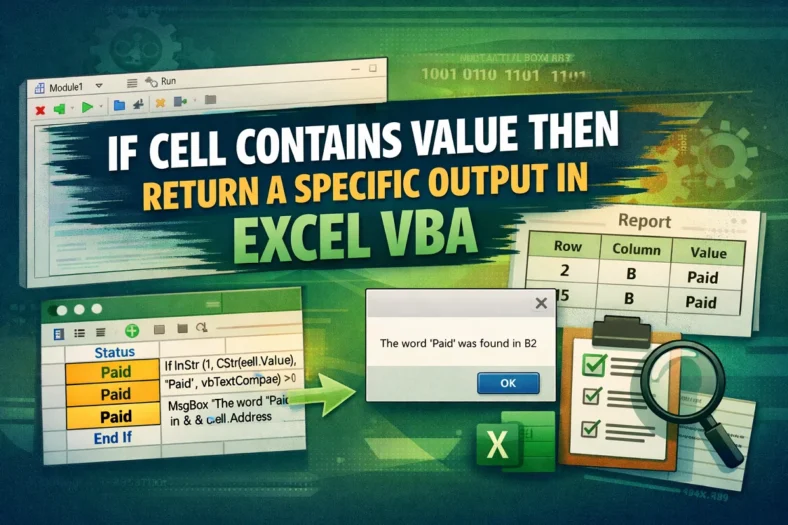
The conditional check is an action where “If a cell contains a value, then do something” command is established. It is one of the most commonly used logical patterns in
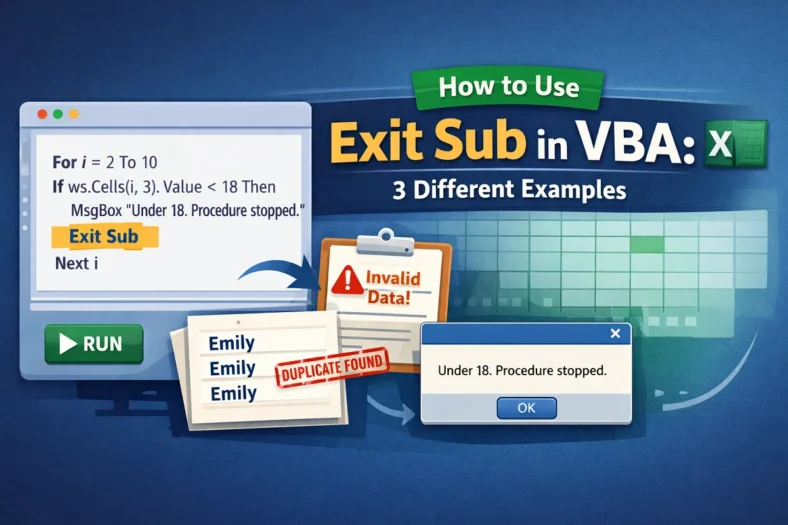
While developing VBA code in Excel, you need to create sub procedures to carry out specific tasks such as processing the data or automating the process itself. However, you might
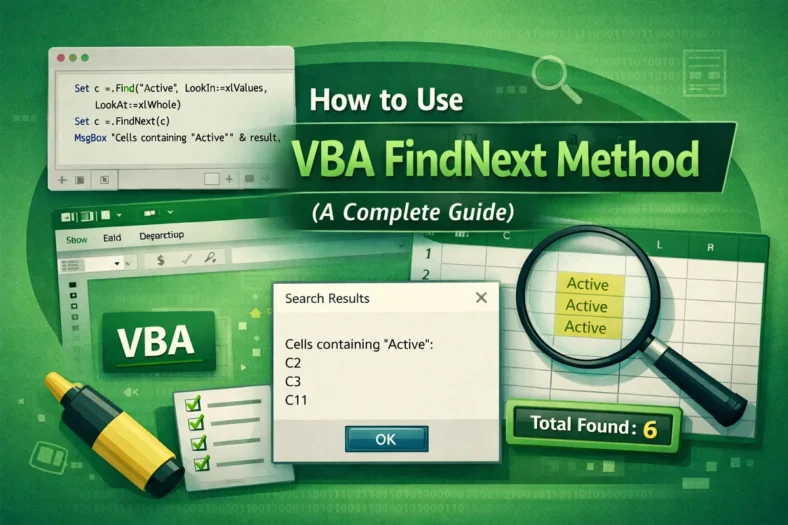
Finding and managing multiple occurrences of a specific value or pattern is one of the most common challenges while working in Excel, especially if you have a large volume of
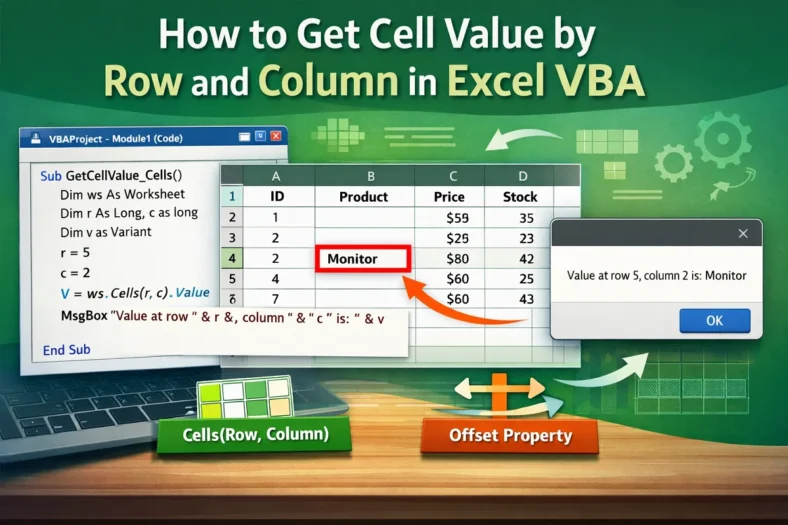
In Excel VBA, one of the most commonly used functions is to access a cell by its row and column numbers. Referring to cells by numeric coordinates (row, column) is
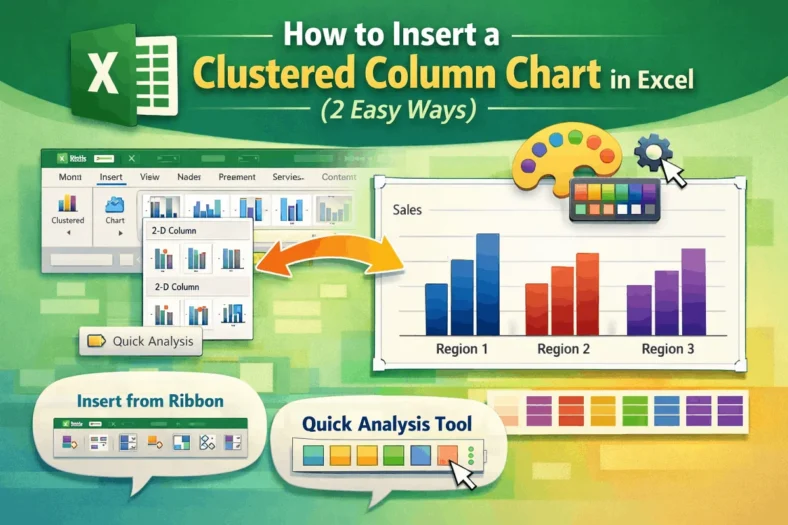
One of the most popular chart styles in Microsoft Excel is the clustered column chart, which is ideal for comparing results across several categories. For ease of comparison, vertical bars

For checks, invoices, contracts, or official reports, many Excel users require numbers to be expressed in English words. The SpellNumber worksheet function is not built into Excel. Therefore, it is

It’s very common to get into circumstances where you need to extract particular information from text strings when working with data in Excel. We are familiar with functions like LEFT

Converting text to sentence case is a common formatting task often required in Excel. A sentence case is where just the first letter of the first word in a text
