How to Convert Hours to Days in Excel (4 Simple Ways)
You will definitely need to convert hours to days in Excel if you work with time tracking, scheduling, or project timelines. Converting raw hour data into days can make reporting

You will definitely need to convert hours to days in Excel if you work with time tracking, scheduling, or project timelines. Converting raw hour data into days can make reporting

Highlighting selected cells in Microsoft Excel is a necessary technique in order to improve data usability, highlight important information, and facilitate data analysis. Excel has several methods for highlighting cells-

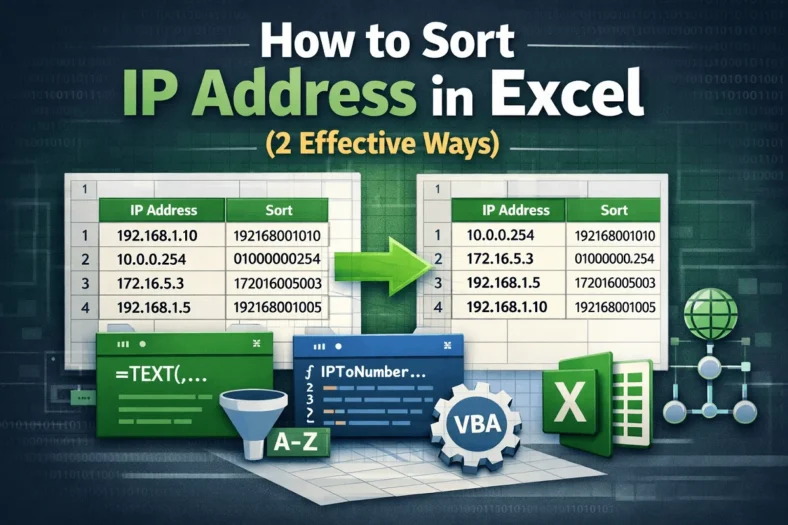
Proper sorting of IP addresses in Excel can help spot address ranges, detect anomalies, configuration issues and maintain clean, searchable datasets. IP addresses (192.168.1.1 or 10.0.0.254 sequences)—might look like simple

Line breaks inside cells can cause formatting problems, make it difficult to sort or filter data and cause problems when exporting or analyzing data in Excel. These hidden breaks are

Consistency in text formatting is crucial when working with data in Microsoft Excel, particularly when dealing with names, titles, addresses etc. Capitalizing the initial letter of each word in a

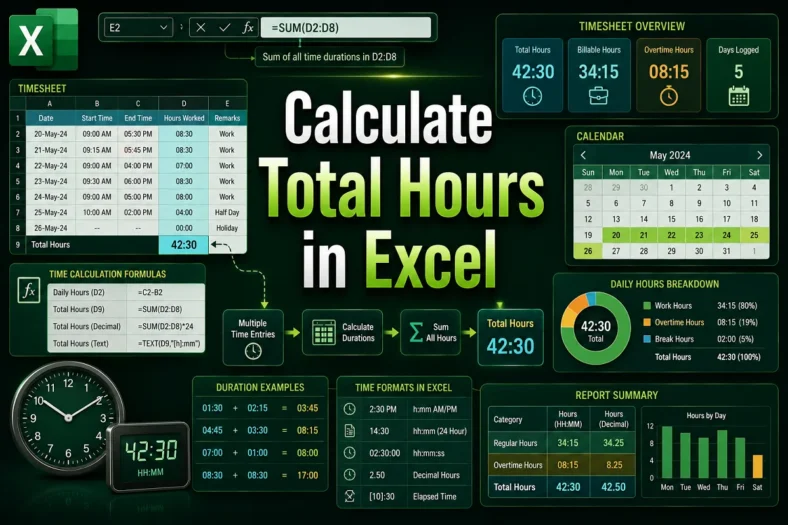
Microsoft Excel continues to be one of the most dependable and adaptable tools for organizing and analyzing time data. Knowing the number of hours worked, spent, or allocated for an

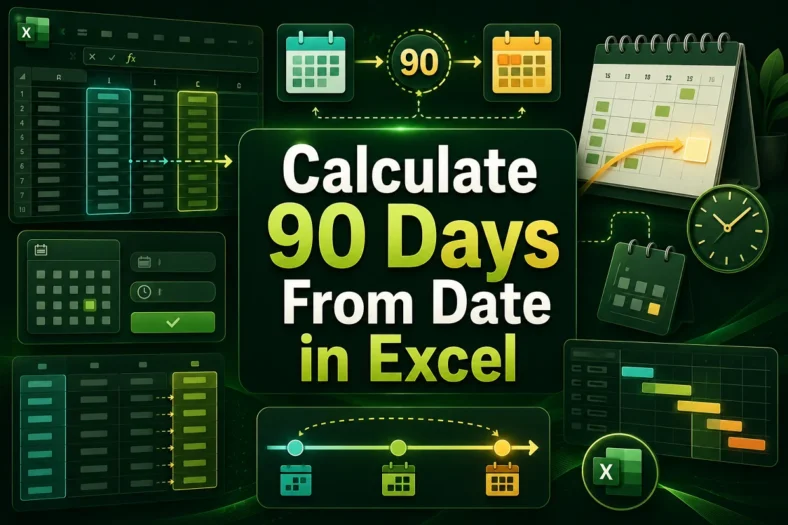
For managing schedules, project timeline and deadlines, calculating dates in Excel is a very important task to know. One frequently used operation you might need to perform in Excel is

Excel is a great tool to use in a company or an organization to maintain staff information, reporting lines and defining roles. However, simply putting these data in a list

When working with Excel, users have a large amount of data to deal with on a regular basis. Managing project deadlines, analyzing data trends or keeping visitor records- whatever you