Sometimes it can be hard to interpret the numeric data quickly. Here, converting numbers to words helps to make them more readable and easy to understand. That’s especially for invoices, checks, or ...
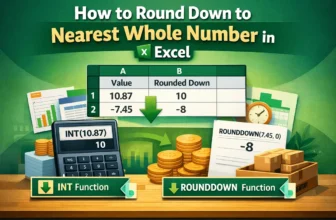
When working with numbers in an Excel worksheet, sometimes you may need to ignore the decimal parts. That’s especially true when maintaining calculations like budgeting or inventory. In such a case, ...
You can split your Excel sheet into multiple worksheets depending on a specific data value. It can keep your large and related information organized and simplify your workflow in Excel.➤ ...
You may find yourself dealing with delivery schedules, subscription renewals, or project deadlines in Google Sheets. Such cases require editing the date by incrementing it by a fixed number of ...
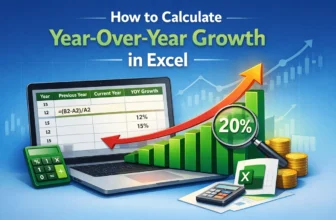
To understand the condition of a business, it is important to calculate the year-over-year growth. A business owner might want to know the current year-over-year growth rate or predict the future ...
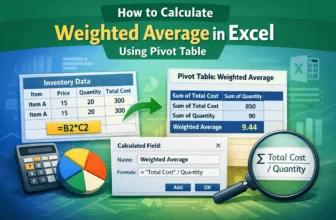
In accounting, the weighted average is often used for inventory calculations. Instead of the normal average, weighted averages sometimes provide a better picture of the data for various statistical ...
Dividing the sum by the count is one of the most used calculations in the area of mathematics. Suppose you have the sum of the money spent on buying something, and the number of items you purchased. ...
Formulas using if statements help us use conditions to format our data. Imagine you have a salary sheet where you determine the bonus depending on whether the employee has worked more than a certain ...
Sometimes, you need to know the day of the week while working with dates in Google Sheets for things like scheduling routines, tracking projects, keeping attendance logs, or creating daily sales ...