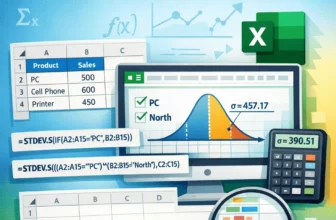
Standard deviation is the variation or dispersion in a set of observations. Sometimes, you may want to calculate the standard deviation for a subset of your data based on a specific condition. You ...
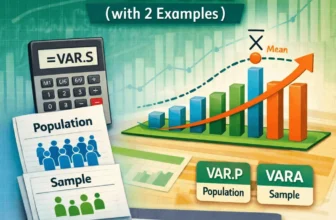
Variance indicates how much the values in a dataset deviate from the mean (average). You can use built-in Excel functions to calculate the variance.➤ Variance measures the degree to which the ...
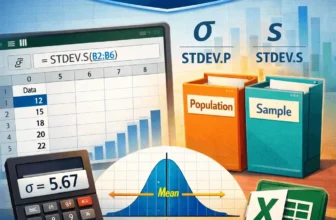
Standard deviation indicates the variation or dispersion of a set of observations. It signifies the deviation of each observation from the mean. You can use built-in Excel functions to calculate the ...
Data labels in Excel are text boxes that appear next to or on top of data points in the chart.Data labels show details such as data values, series, percentages, and other relevant information. ...
For users who are unfamiliar with Excel's technique, a data entry form provides a standard interface for inputting data into a worksheet, making it simpler to explore and enter information. You may ...
Axis titles are labels that appear alongside the horizontal or vertical axis.Axis titles provide context on what the axes represent. They provide more clarity to the chart, which is the point of ...
The category axis is the axis that contains the series labels in a chart.The category axis organizes data more clearly. This improves charts’ readability and makes the data comparison easier....
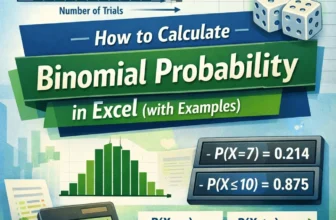
A binomial distribution summarizes the number of successes in a fixed number of independent and identical trials. You can calculate binomial probability using a built-in Excel function.➤ A ...
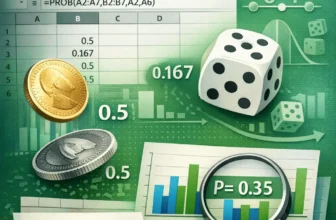
Probability is the likelihood that a particular event will occur. It is expressed as a number between 0 and 1. You can calculate probability using a built-in Excel function.➤ Probability is ...