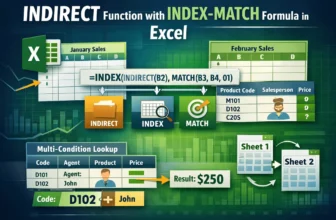
When working with interactive Excel dashboards, invoices, or order forms, it’s common to have a drop-down list that controls what appears in another cell. For example, you might choose a product from ...
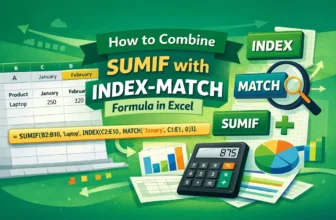
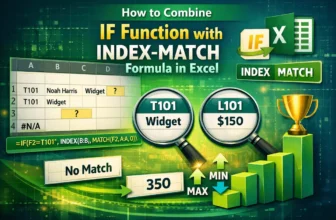
In the INDEX-MATCH formula, MATCH finds the relative position of a lookup value in a range and INDEX returns a match from a specified row and column in a range based on that value. The SUMIF function ...
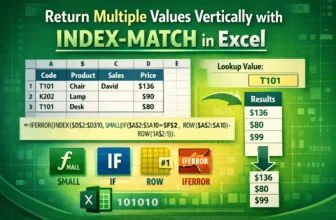
In a basic INDEX-MATCH formula, MATCH finds the position of a specific lookup value and INDEX uses that position number to fetch the value from a specific range. Although INDEX-MATCH is a powerful ...
Drop-down lists in Excel help restrict inputs and maintain data accuracy by limiting entries to predefined options. By default, these lists allow only one item to be selected at a time. To enable ...
Data validation in Excel ensures that cell entries meet certain rules like picking from a drop-down list, entering numbers within a range, or restricting dates. It’s a handy way to keep your dataset ...
When working with multiple sheets in Excel, it’s common to want to fetch or display data from one sheet based on a value in another sheet. But many users struggle with setting this up correctly. ...
Excel's MATCH function finds the position (row or column number) of your lookup value. INDEX goes to that position in a different range and returns the value found there. By default, the INDEX-MATCH ...
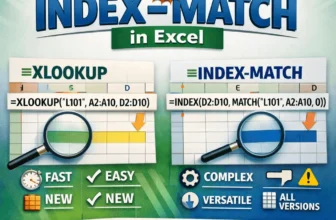
Both INDEX-MATCH and XLOOKUP are two powerful lookup functions in Excel used to find data from a specific range. You can use them for exact matches, approximate matches, two-way lookups, binary ...
Excel's MATCH function looks for a specific item in a row or column and tells you its position. While INDEX returns the value at a specific position in a range, INDIRECT converts text into a cell ...