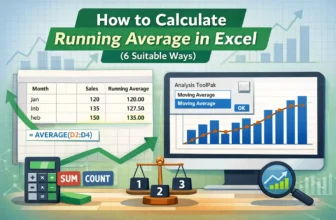
Calculating running averages for time-based data is best for long-term projects, sales analysis, and recognizing changing trends. Here, we take a certain period and calculate the average of our data. ...
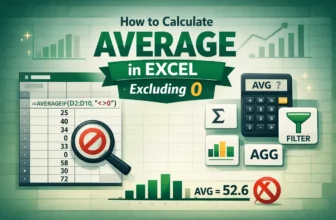
While calculating average in Excel, including zeros affects the accuracy of the calculation as it usually lowers the average. It doesn’t add anything to the sum of values, but is counted as valid ...
If you copy a cell with a comment or note from one cell to another in the traditional way (using CTRL + C and CTRL + V), you transfer the cell value and formatting along with the comment. However, ...
Converting text to hyperlinks turns plain text into clickable links that open websites, email clients, or even files directly from Excel. This is useful when managing contact lists, web directories, ...
When working with schedules, logs, or task durations, you often need to know exactly how many minutes have passed between two times. Excel can calculate this quickly using simple formulas.By ...
When you add time in Excel, the results are usually displayed in the standard 24-hour clock format. This works fine for normal times of day, but it creates problems when the total goes beyond 24 ...
In HR, payroll, and employee records, you often need to calculate employee tenure based on their joining date and today’s date. Tenure tells you how long someone has worked, expressed in years and ...
A rounded percentage in Excel is simply a percentage value shortened to fewer decimal places, making it easier to read and present. For example, instead of showing 87.4567%, you might round it to ...
Trailing zeros in Excel are zeros that appear at the end of a number to keep a fixed format. For example, the number 7 can be shown as 7.00, or the number 123 can be displayed as 123000.Normally, ...