Excel's advanced filter is a tool that allows you to extract specific data from a larger dataset based on specific criteria. The advanced filter offers more flexibility, letting you apply multiple ...
Conditional formatting in Excel is a feature that allows you to apply formatting like colors, fonts, or borders to cells based on specific criteria. This is useful for visually highlighting important ...
Managing dates in Excel is a common task, especially when you need to track deadlines and project statuses. Sometimes, you need to quickly identify if a date has already passed relative to the ...
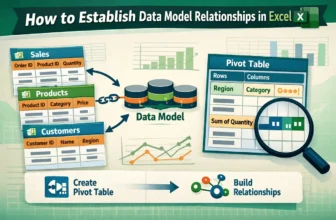
While working with Excel, your important data might be placed in different tables or lists. You can connect all this data using Excel’s data model relationships. After using this feature, you don’t ...
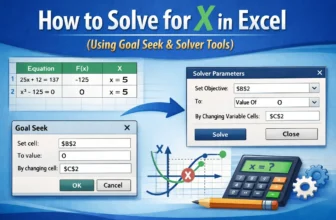
Sometimes, you need to find the missing piece in a calculation, like figuring out what value of x makes an equation true. Whether it’s a simple formula or a more complex expression, Excel can help ...
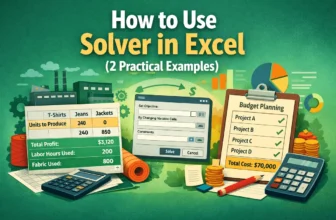
Sometimes you need to make the most of what you have, like limited time, money, or materials. Solver in Excel helps you do just that. It finds the best solution by changing certain values while ...
When planning finances or solving business problems, you often need to find the exact input that leads to a desired result. That’s where Goal Seek in Excel becomes useful. It allows you to work ...
In the corporate world, Google Sheets is mainly used to maintain data. As a result, more than one person can access one Google Sheets file or link. This feature helps to collaborate and analyze ...
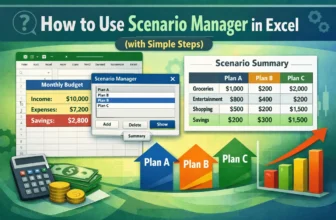
When managing a budget or making business decisions, it is important to see how different sets of inputs affect your results. That is where the Scenario Manager in Excel comes in. It lets you create ...