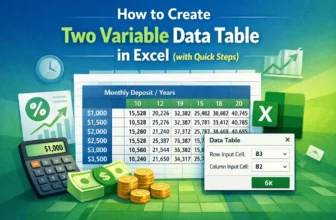
When planning your finances or evaluating business strategies, it is often helpful to test how two changing factors impact your outcome. That is where a two-variable data table in Excel becomes ...
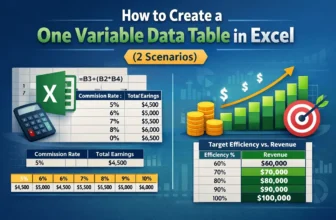
When making business decisions or analyzing models in Excel, it is crucial to understand how changing a single variable can influence your results. A one-variable data table helps you do exactly ...
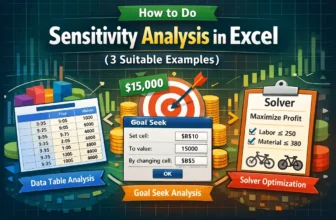
When working with financial models or business data in Excel, it’s important to understand how small changes in key variables can impact your results. That is where sensitivity analysis comes in. It ...
Analysis of Variance (ANOVA) is an effective statistical method for determining if the averages of several groups differ considerably. Interpreting and drawing meaningful conclusions from the ANOVA ...
One of the most useful statistical tests for examining the effects of two independent categorical variable on a single continuous dependent variable is the two way ANOVA. It enables you to assess ...
A common statistical problem in social research, science, and business is comparing the means of different groups. One way ANOVA (Analysis of Variance) is a useful tool for comparing consumer ...
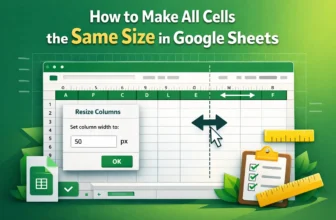
When you want to make your Google Sheets visually appealing, you need to work on the overview and make some changes according to your own preference. However, making all cells the same size will play ...
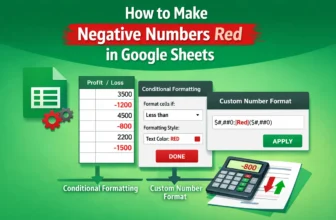
When your dataset contains positive and negative numbers, you can differentiate those numbers with colors so that anyone can easily get the value of the numbers at first glance.In this article, ...
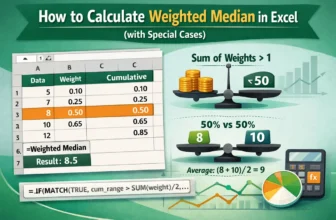
Not every observation has an equal weight when analyzing real world data. Assignments and tests frequently have varied weights, in finance, some transactions may account for higher volumes, and in ...