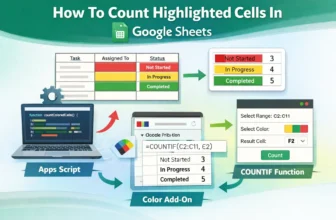
Counting highlighted cells can be useful when you're working with color-coded data in Google Sheets. If you're using colors to mark task status or track progress, it can be difficult to keep an ...
When saving an Excel worksheet as a PDF, many users encounter the frustrating issue of important data being cut off, whether it’s rows, columns, or entire sections of the sheet. This happens because ...
When working with sales data, customer names, product IDs, or survey responses, it’s common to encounter repeated entries in your Excel sheets. In many scenarios, you don’t just want to count how ...
Merging duplicate rows is a common data-cleaning task in Excel, especially when you're working with sales data, customer lists, or reports that contain repeated entries. While Excel doesn’t have a ...
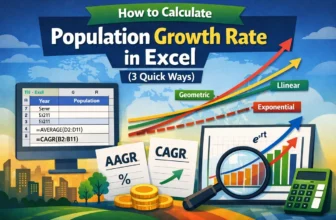
Demographers, economists, and policymakers need to understand the population growth rate because it helps them plan for the future and shows how quickly a country's population is growing. In this ...
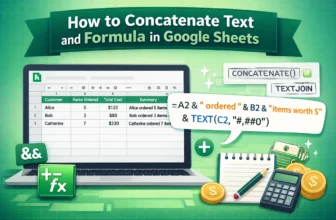
Concatenating text and formula in Google Sheets means joining words, numbers, or cell values together into one line of text using a formula. It can be useful when you want to create summaries or ...
When working with HR records, payroll files, or government forms, Social Security Numbers (SSNs) often appear in the standard format with dashes (e.g., 123-45-6789). While this formatting improves ...
Removing the first three characters from text entries is a frequent requirement in Excel, particularly when you need to clean up data imported from other systems, trim unwanted prefixes, or ...
Extra spaces after text entries in Excel can cause issues with sorting, filtering, or using lookup formulas. These trailing spaces often sneak in from copy-pasted data or inconsistent manual entries, ...