When working with large Excel workbooks or complex formulas, multi-threaded calculations can use all available CPU cores, sometimes maxing out 8 threads or more. While this speeds up recalculation, ...
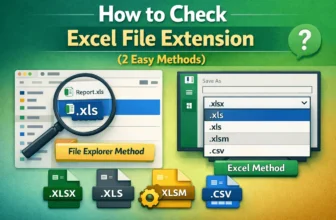
Knowing your Excel file’s extension is important for compatibility, sharing, and choosing the right features. For example, modern Excel uses .xlsx, while older versions use .xls. Other formats, such ...
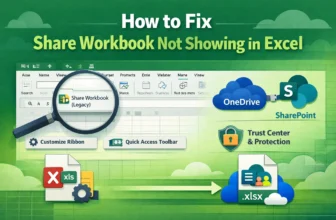
The Share Workbook feature in Excel allows multiple users to work on the same file simultaneously. However, if you’re using Excel 2019, Excel 2021, or Microsoft Office 365, you may notice that the ...
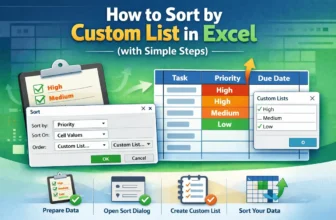
Sorting data in Excel is an effective way to organize and analyze information. While standard ascending or descending sorts work for most tasks, sometimes you need a specific order that matches your ...
When entering data like phone numbers, ZIP codes, or product IDs in Excel, you might notice that leading zeros disappear automatically, for example, typing 00789 turns into 789. This happens because ...
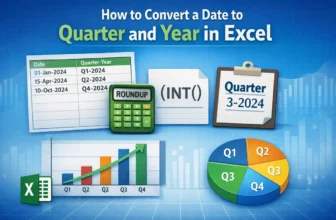
Dates are often easier to analyze when summarized by quarter and year, especially for financial reports, sales tracking, and performance dashboards. Instead of working with individual months, ...
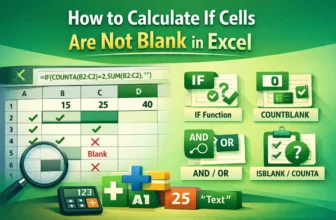
When working with spreadsheets, you’ll often encounter situations where you need Excel to perform calculations only if certain cells are not blank. For example, you may want to sum values, calculate ...
Cleaning up data in Excel often involves dealing with numbers stored as text. A common scenario is when numbers contain spaces (e.g., “1 2 3 4” instead of “1234”). Such values won’t behave like real ...
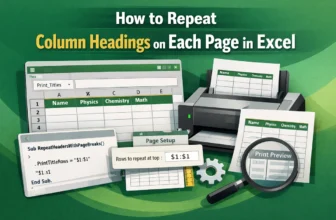
Printing large Excel worksheets often causes column titles to appear only on the first page, making it hard to interpret data across multiple pages. By repeating column headings on every printed ...