Working with CSV files in Excel can be tricky when UTF-8 encoding is required. If Excel doesn’t show the CSV UTF-8 (Comma delimited) option, opening or saving files may cause unusual text, missing ...
Working with Excel often involves importing or exporting CSV and text files for sharing data between different programs or systems. If the wrong encoding is used, you might see unusual text, strange ...
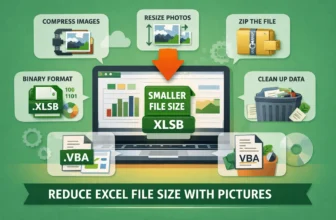
Large Excel files loaded with images can slow down performance, make sharing difficult, and even cause crashes on older systems. When pictures are added at full resolution or left uncropped, file ...
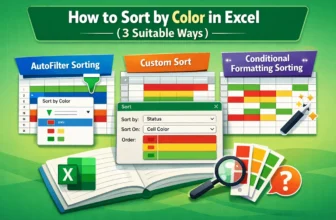
Sorting data by color in Excel is a practical way to organize and analyze information quickly. Many users apply colors to highlight priorities, track statuses, or distinguish categories, but without ...
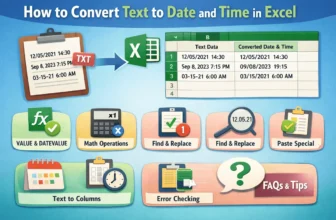
When working with Excel, you may often find that dates or times imported from external sources appear as text. Text-formatted dates and times can cause errors in calculations, sorting, or analysis. ...
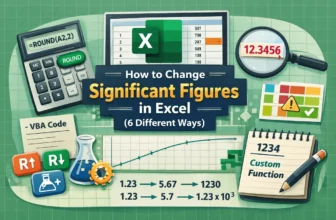
Managing significant figures in Excel is essential when working with precise data whether you’re handling scientific measurements, engineering calculations, or financial reports. Accurate control ...
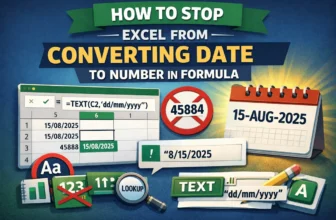
Excel automatically converts dates into serial numbers when used in formulas. While this is useful for calculations, it can be frustrating when you want to preserve the date format in text strings, ...
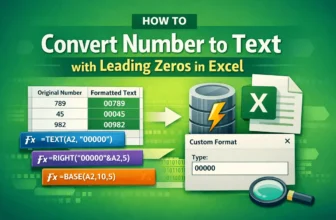
When working with ZIP codes, product IDs, employee codes, or any data where leading zeros are essential, Excel often strips those zeros because it treats entries as plain numbers. This can cause ...
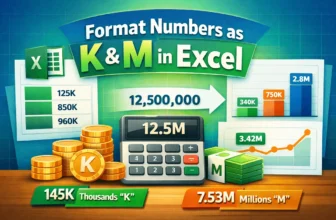
Dealing with large numbers like 125,000 or 12,500,000 in Excel can make your worksheets hard to read and interpret. Whether you’re preparing dashboards, reports, or presentations, displaying data as ...