Trailing spaces in Excel are unwanted blank characters that can affect how your data behaves in formulas, lookups, and sorting. They make cells appear identical on screen but act differently during ...
Parentheses in Excel often appear when data is imported or copied from external sources. It makes your spreadsheet look cluttered and inconsistent. For example, you might have names like John Doe ...
Finding duplicate rows based on multiple columns in Excel helps you clean and organize data accurately. It ensures that each unique record appears only once, especially when the same combination of ...
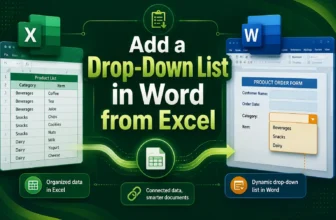
A drop-down list in Microsoft Word lets you control what users can select in a document by offering a predefined set of choices. It helps maintain consistency and prevents typing errors in forms, ...
Importing text files into Excel can be simple when the file uses one type of delimiter such as a comma or tab. But it becomes a bit challenging when the file contains multiple delimiters like commas, ...
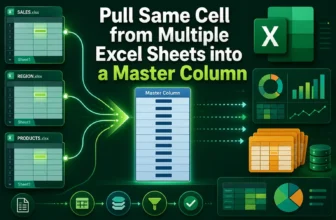
Pulling the same cell from multiple sheets into a master column in Excel is a simple way to consolidate information without copying data manually. For instance, if you have six monthly sales reports ...
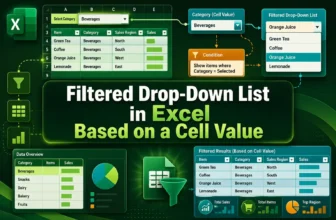
When managing data in Excel, you may sometimes want to make one drop-down list depend on another. For example, when you select a Category like Fruit, you want the next drop-down to show only related ...
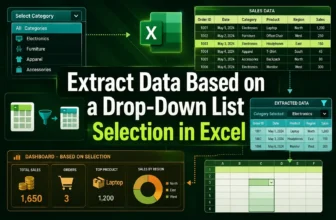
Extracting data based on a drop-down list selection in Excel allows you to make your worksheets interactive and easier to analyze. Instead of manually filtering rows every time, you can simply choose ...
Excel does not have a built-in feature to create bulleted lists like Microsoft Word. Still, you can easily make bullet points in Excel using different techniques. Adding bullets helps organize ...