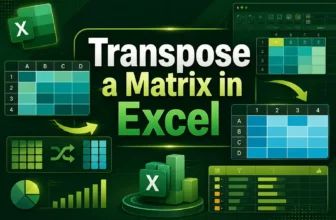
A matrix transpose in Excel is a way to switch rows into columns and columns into rows. It’s like rotating your table so that data running horizontally becomes vertical. This is helpful when you need ...
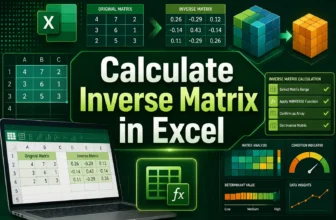
An inverse matrix in Excel is a useful tool for solving mathematical and data problems that involve multiple variables. It works like dividing numbers in regular math. For example, just as the ...
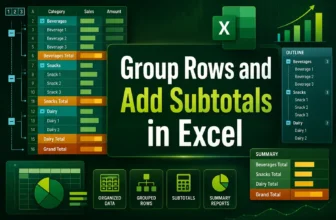
Grouping rows and inserting subtotals helps you organize, collapse/expand, and summarize sections of data. When you have long lists with categories or repeated groupings, this makes your worksheet ...
Creating a button in Excel usually requires using VBA macros, but you can also build interactive buttons without writing any code. These buttons can still perform useful tasks such as navigating to ...
Managing a workbook with many sheets can become confusing. Scrolling through tabs or searching for the right one takes time and slows down your work. A table of contents (TOC) solves this problem by ...
External links in Excel are connections that pull data from other workbooks. They are useful for sharing information across files, but they can cause errors if the source file is moved, renamed, or ...
A search box in Excel helps you quickly find and display data without scrolling through multiple sheets manually. Instead of manually searching in tabs or using Ctrl + F repeatedly, you can build a ...
Matrix multiplication is a mathematical operation where you multiply two matrices to produce a new matrix. In Excel, you can easily perform matrix multiplication using built-in functions instead of ...
Combining date and text in Excel is a common operation when we want to create readable sentences or dynamic labels such as “Report generated on 26-Oct-2025”. We often need this feature in making ...