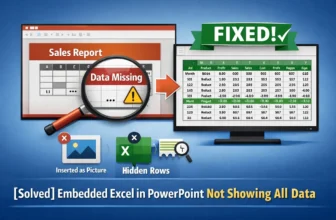
When you embed an Excel sheet into a PowerPoint presentation, you might encounter an issue where only a portion of your data is visible. This problem can lead to errors, especially when preparing a ...
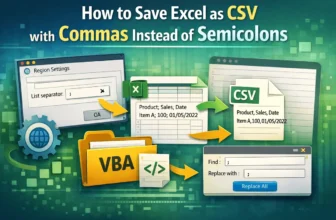
When working with data, the CSV (Comma Separated Values) format is essential for transferring information between different software programs. However, Excel may save CSV files using a semicolon (;) ...
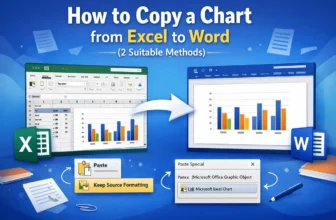
When creating reports or presentations in Microsoft Word, inserting a visual chart from Excel is essential for data presentation. Copying an Excel chart to Word is a simple process, but you have ...
Displaying text from another cell in Excel is a common task for data analysis and for automating your workflow. Whether you are creating summaries, performing complex lookups, or simply reformatting ...
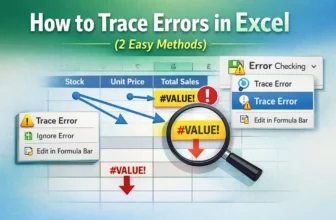
If you’re a regular Excel user, it’s almost impossible that you’ve never encountered an error. Let’s say you’re tracking sales data. You want to multiply the stock quantities and unit price. But ...
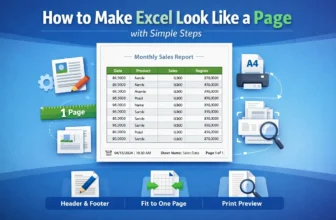
Let’s say you’re a manager of a small business. And you have to maintain an Excel sheet with lots of rows and columns. When you print it, it looks messy across pages, making it unprofessional for ...
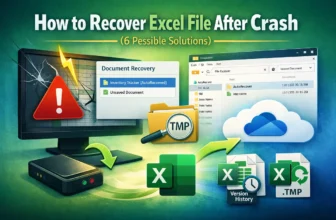
An unexpected crash means losing unsaved work in Excel. Suppose you’re working with a product inventory tracker where you have to update the file regularly. You've just added new data when your PC ...
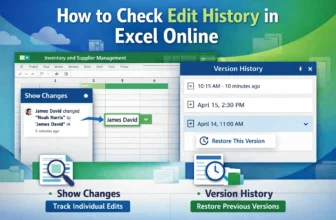
In today’s collaborative work, multiple users can edit a single workbook simultaneously. To ensure transparency and accountability, we need to check who made the edits in Excel online.For ...
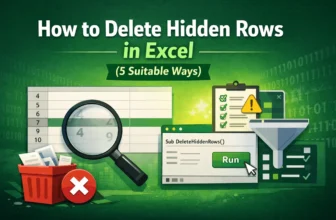
We often hide rows that contain unwanted, irrelevant rows in Excel, and it often seems harmless. But these rows can be equally dangerous to your dataset as erroneous data. A hidden row containing ...