Filtering dates by month and year in Excel means narrowing down your dataset to only the rows that match specific time criteria. For example, viewing only July 2023 sales records or attendance data ...
Filtering by multiple colors in Excel means displaying rows that match more than one cell color simultaneously. For example, both “Yellow” (In Progress) and “Green” (Completed) statuses. Since ...
Merging two columns in Excel with a space means combining the contents of two separate cells into a single cell, with a blank space added between the values. For example, combining column A (First ...
Managing multiple Excel sheets can become confusing when your data is scattered across different worksheets, like regional reports, monthly expenses, or student records. Combining them into one ...
Old Excel files typically use the .xls extension, which was the standard until Excel 2003. From Excel 2007 onward, Microsoft introduced .xlsx, a more advanced and secure format. .xlsx supports larger ...
In Excel, every time we save or share a file, metadata like the “Last Modified By” property is recorded. It is part of Excel’s built-in metadata stored in the document. This metadata automatically ...
When multiple people work on the same Excel file, it is often necessary to know who is currently editing or viewing it. This is good in workplaces where project tracking, attendance logs, or ...
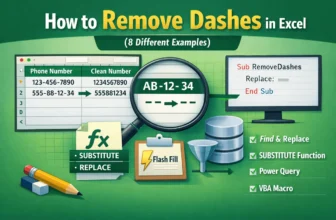
When you are working with data in Excel, dashes are often used to separate different parts of text or numbers, like a phone number, product code, or employee ID. Sometimes these dashes can complicate ...
The Remove Duplicates tool in Excel is used for cleaning data, but it can fail to correctly identify and delete duplicate entries. This problem arises when Excel cannot see differences that are ...