The SUMIF function in Excel is an effective way to total values that meet specific conditions. But if you only want to match part of the text like entries that contain, start with, or end with a ...
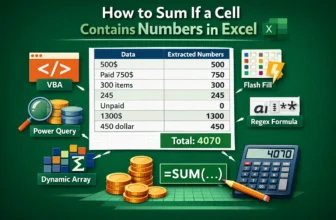
A single column can contain numbers, text, and text with numbers in an Excel worksheet. Such as 500$, 450 dollar, 750$ (paid yesterday), or even words like unpaid. Excel understands them as text, and ...
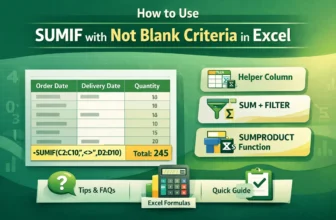
While working in excel, we may often work with datasets with blank cells. And we need to sum up values in a range based on a different column where we have some blank cells. In these cases, we use ...
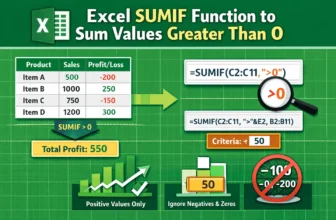
When working with data in Excel, you’ll often find both positive and negative numbers. Positive values might represent income, sales, or gains, while negative values usually indicate losses, ...
Usually, the SUMIF function in excel works with specific values or conditions. And one of the most common conditions we use is summing the values greater than 0. So, this is very helpful and highly ...
Basically, the SUMIF function in Excel works with specific values or conditions, not cell colors. In fact, Excel doesn't offer any function that can sum values based on cell colors. So, this is one ...
In the INDEX-MATCH formula, MATCH finds the relative position of a lookup value in a range and INDEX returns a match from a specified row and column in a range based on that value. The SUMIF function ...
When analyzing data in Excel, it’s often needed to exclude specific entries to get accurate totals. Whether you're working with product sales, customer records, or performance metrics, there are ...
In Excel, summing values based on whether they fall between two cell-defined limits is an effective way to analyze data, especially when working with price, quantity, sales, or any other numeric ...