Conditional formatting is an effective Excel feature that visually enhances your data by applying color or style changes based on specific conditions. When combined with checkboxes, it becomes an ...
When working with lists, to-do sheets, attendance trackers, or dashboards, checkboxes make data tracking far more interactive and user-friendly. Instead of entering “Yes” or “No” manually, you can ...
When working with Excel forms, surveys, or task trackers, a simple Yes/No option can make your sheet more interactive and user-friendly. Whether you’re tracking approvals, marking completion, or ...
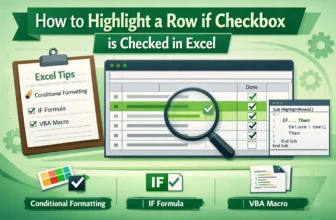
When managing tasks, projects, or data lists in Excel, it’s often helpful to visually identify rows that have been completed or selected. Highlighting an entire row based on a checkbox makes your ...
Large numbers, such as sales or revenue data, can be overwhelming in raw form. Instead of reading values like 5,870,000, you can make your spreadsheets more readable by displaying them as 5.9 M. ...
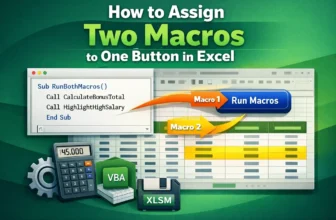
Sometimes, you might want a single button in Excel to perform multiple actions at once, like formatting data and calculating totals simultaneously. Assigning two macros to one button directly isn’t ...
Macros are effective tools that automate repetitive tasks in Excel using VBA (Visual Basic for Applications). However, sometimes you may find that your macros stop working as this could happen after ...
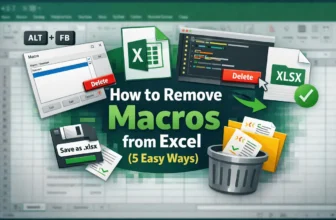
Macros in Excel are effective tools that automate repetitive tasks, but sometimes you’ll need to remove them. Maybe a macro is outdated, causing errors, or you simply want a clean workbook without ...
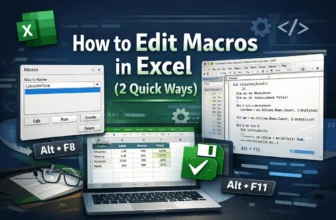
Macros in Excel are effective tools that allow you to automate repetitive tasks, from formatting tables to performing calculations across large datasets. By recording and editing macros, you can save ...