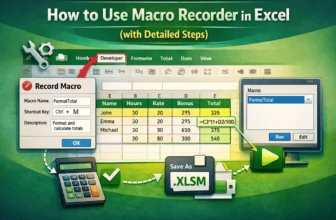
Automating repetitive tasks in Excel can save significant time, especially if you regularly apply the same formatting or calculations across multiple worksheets. The Macro Recorder is one of Excel’s ...
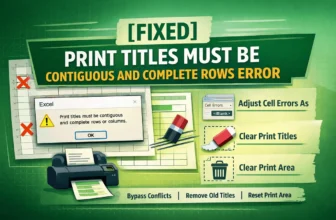
When printing large spreadsheets in Excel, it’s common to repeat specific rows at the top or columns at the left on every page using Print Titles. However, if you select non-contiguous rows or ...
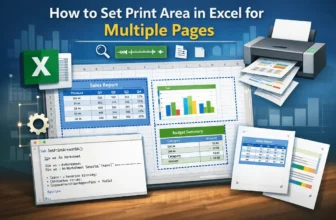
Setting print areas in Excel ensures that only specific parts of your worksheet are printed, which is particularly useful for large datasets or reports spread across multiple sections. Instead of ...
Handling large Excel files can be a frustrating experience due to slow loading times, frequent freezes, or unexpected crashes that can hamper your productivity. Whether you’re analyzing sales data, ...
Base64 encoding is commonly used to store or transfer data such as text, images, or files in a compact format. Excel does not have a built-in function to decode Base64, so you need to use a VBA macro ...
Working with CSV files in Excel can be tricky when UTF-8 encoding is required. If Excel doesn’t show the CSV UTF-8 (Comma delimited) option, opening or saving files may cause unusual text, missing ...
Working with Excel often involves importing or exporting CSV and text files for sharing data between different programs or systems. If the wrong encoding is used, you might see unusual text, strange ...
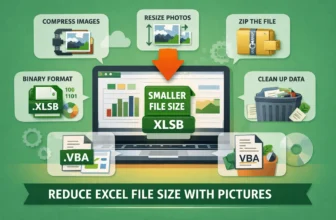
Large Excel files loaded with images can slow down performance, make sharing difficult, and even cause crashes on older systems. When pictures are added at full resolution or left uncropped, file ...
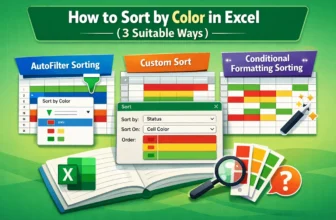
Sorting data by color in Excel is a practical way to organize and analyze information quickly. Many users apply colors to highlight priorities, track statuses, or distinguish categories, but without ...