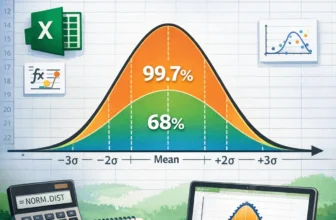
The bell curve represents a normal distribution that is symmetrical about the mean. You can use a function to calculate the normal distribution value and then use charts to create a bell curve in ...
A legend is the section of a chart representing the data series. It indicates different shapes, colors, fills, etc.By default, Excel names the legend after the column header or label of the data ...
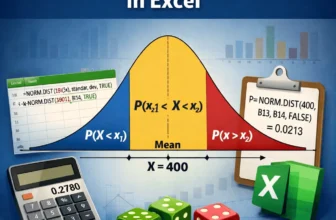
The normal distribution is a bell shaped curve that is symmetrical about the mean. You can use functions to calculate normal distribution probability in Excel.➤ Normal distribution is a ...
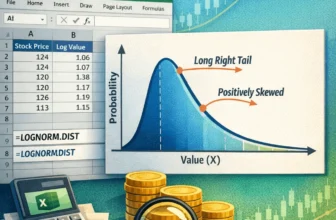
A lognormal distribution represents the distribution of a random variable whose logarithm is normally distributed. You can create a log normal distribution in Excel using built-in functions.➤ ...
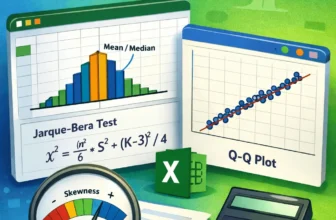
A test for normal distribution compares various statistics of the data to determine if the data follows a normal distribution. You can perform several test for normal distribution in Excel.➤ ...
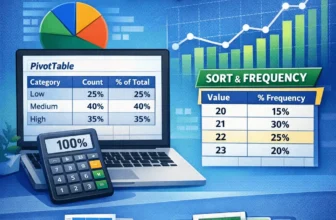
A percent frequency distribution displays the percentage of observations within a certain interval or category compared to the total number of observations. You can use Excel functions and features ...
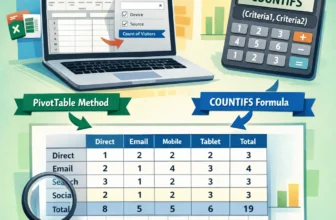
A contingency table or crosstabs shows the frequency distribution of two categorical variables. You can use Excel features and functions to easily make a contingency table.➤ A contingency ...
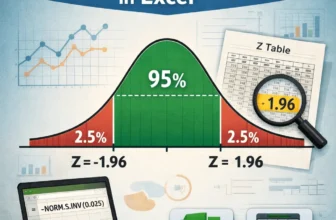
A 95% confidence interval means – 95% of the standard normal distribution lies between an interval bounded by two Z scores. To calculate Z score 95% confidence interval in Excel, you can use ...
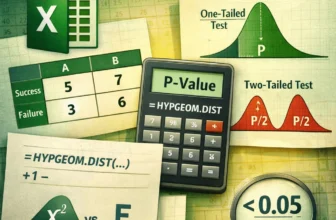
The Fisher test evaluates any significant association between two categorical variables. We can perform the Fisher test in Excel using the HYPGEOM.DIST function to get the one-tailed and two-tailed P ...