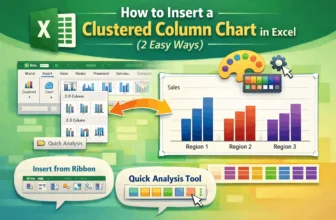
One of the most popular chart styles in Microsoft Excel is the clustered column chart, which is ideal for comparing results across several categories. For ease of comparison, vertical bars are ...
For checks, invoices, contracts, or official reports, many Excel users require numbers to be expressed in English words. The SpellNumber worksheet function is not built into Excel. Therefore, it is ...
It's very common to get into circumstances where you need to extract particular information from text strings when working with data in Excel. We are familiar with functions like LEFT and MID to ...
When writing procedures in Excel VBA, you’ll often come across both Sub and Private Sub. While they may look similar, they serve different purposes, mainly when it comes to scope and accessibility. ...
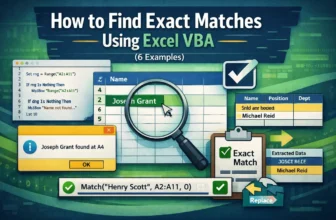
Finding exact matches in Excel VBA is essential when you're automating tasks like data validation, record lookups, or targeted replacements. Whether you're scanning a single column for a precise ...
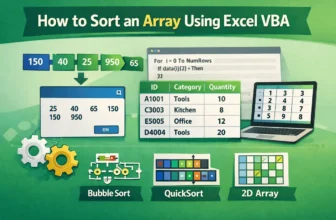
Sorting arrays in Excel VBA is useful when working with data that's not stored directly on the worksheet, such as temporary lists, lookup tables, or custom datasets. Arrays let you handle large ...
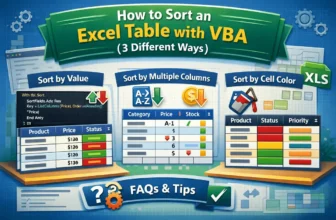
Sorting data helps keep your Excel tables organized, readable, and ready for analysis. While manual sorting works for small datasets, VBA allows you to automate the process, saving time and reducing ...
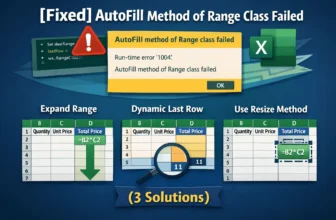
When working with Excel VBA to fill formulas or data automatically, you might run into the error: “AutoFill method of Range class failed.” This error typically occurs when your macro tries to apply ...
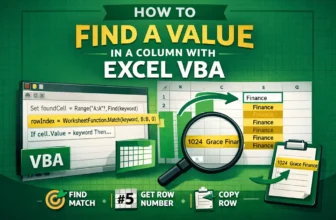
Searching for data in Excel is common when verifying entries, locating errors, or gathering related information. Doing this manually or with worksheet formulas can be slow, especially on large ...