Manually scanning through a long list of data and finding a specific value or text is not a joke. It can be a more hectic task than you can think of. Whether you need to manage any project, track ...
Controlling food costs is crucial for running a profitable restaurant or food service business. When deciding food pricing based on menus, weekly performances, and especially the inventories, the ...
Working with growing datasets, we often have to refer to specific cell ranges repeatedly. For calculations, charts, drop-down menus, and conditional formatting, references to cell ranges are created. ...
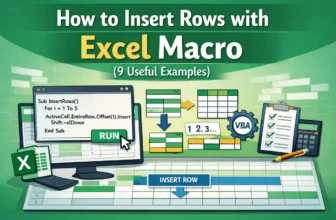
When you are working with an Excel dataset, you often need to insert new rows to manage data. It may need to add single rows, multiple rows, or rows at a specific level. However, manually adding them ...
If a green border pops up around a cell or range, and you are wondering what it means or how to remove it, then here’s all about the green border in Google Sheets. This article will help you provide ...
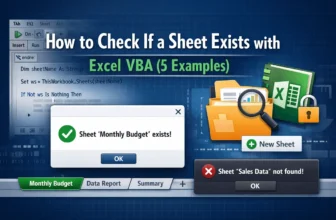
When you're working with Excel macros, you often need to check whether a specific sheet exists in the workbook before performing any tasks on it. The reason is obvious—if you try to access a sheet ...
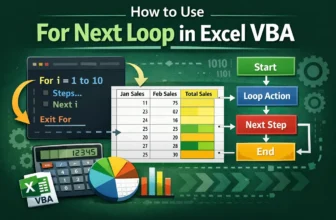
When we work with an Excel dataset, we often need to repeat actions many times. That is where the For Next loop is used. It is a VBA statement that lets you run a set of instructions repeatedly. ...
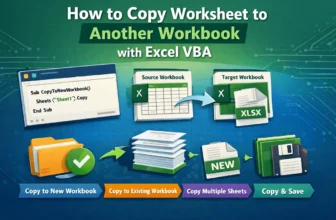
When you are managing multiple Excel files, sometimes you may need to copy one or more worksheets to another workbook. Obviously, doing this manually can be time-consuming and repetitive. That is ...
If you want to create a compact header, design custom labels, or simply organize information for better readability, rotating text in Google Sheets is quick and simple. This article will help you ...