The IF function in Excel is an efficient way to make decisions based on multiple conditions. You can use it to assign categories, labels, or values depending on whether certain conditions are met. ...
If your Excel data includes values like "Yes" and "No", you might need to convert them to numerical equivalents such as 1 and 0 for analysis, calculations, or logical processing. Fortunately, Excel ...
Once you save a file and close your Excel window, the Undo (CTRL + Z) or Redo (CTRL + Y) shortcut can't reverse the changes you made. If you don't have a backup of the original file, there's no ...
The VLOOKUP function in Google Sheets is powerful, but it can sometimes return a frustrating error: "Did not find value in VLOOKUP evaluation." This message usually means Google Sheets couldn’t ...
You may have a list of names in the same cell, or different columns/rows, and want to add a comma between the names in just a few clicks. Excel allows you to automate the process using its intuitive ...
With a randomized list of names, you can do team grouping, customer research, surveys, and more. Although Excel has no direct built-in functions or add-ins to randomize names, it has the RAND and ...
Random or unbiased selection from a list of names, numbers, or dates is useful for surveys, data analysis, market research, etc. Excel doesn’t have any built-in feature or direct formula to select ...
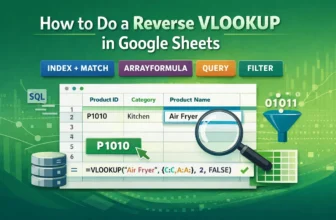
Looking up values from left to right using VLOOKUP is a common task in Google Sheets. But what if your lookup value is on the right and you need to return a matching value from the left? VLOOKUP ...
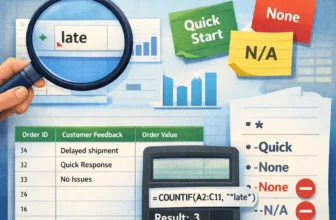
When analyzing text data in Google Sheets, it’s often helpful to count how many cells contain a certain word or phrase. Whether you're working with product names, tags, customer feedback, or any ...