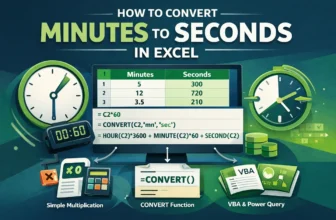
Datasets in minutes for durations work perfectly until you need a precise calculation for small tasks. It seems like minutes is not a good comparison time unit here. For second-level accuracy, it can ...
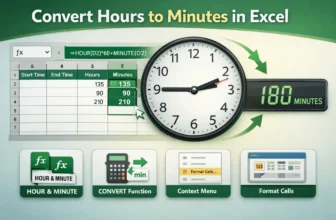
Converting hours to minutes in Excel is a common task for working with time-based datasets, such as employee work logs, project durations, or task management. By using Excel's built-in tools and ...
Working with time in Excel is common in workplaces, from tracking employee hours to calculating project durations or client billable time. While Excel’s default h:mm format is readable, it isn’t ...
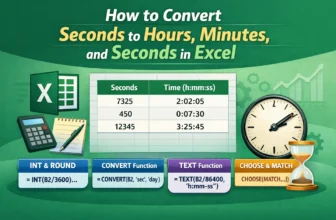
Working with time data stored in seconds can be confusing. For example, customer service call durations or equipment run times are often logged as raw seconds which aren’t very readable for reporting ...
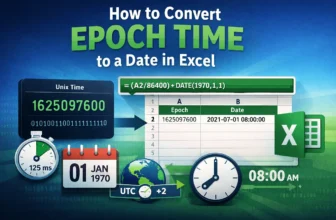
Epoch (Unix) time is a widely used system in programming, databases, and APIs to represent specific moments as the total number of seconds since January 1, 1970, 00:00:00 UTC. While this numeric ...
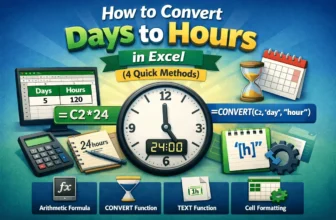
Converting days to hours means converting the day values into hour values. It gives a rough estimate of detailed, actionable data. The hourly values are often more important for payroll accuracy, ...
Converting minutes to decimal values in Excel is a common task, especially when you need to perform calculations on time data. Whether you are tracking employee hours, project durations, or sports ...
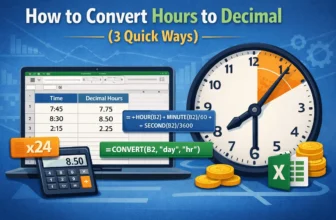
Whether working with time data in Excel for project management, payroll, billing, or timesheets, it's sometimes required to convert hours and minutes into decimal format. This is particularly helpful ...
You will definitely need to convert hours to days in Excel if you work with time tracking, scheduling, or project timelines. Converting raw hour data into days can make reporting easier and make ...