How to Filter Dates by Month and Year in Excel
Filtering dates by month and year in Excel means narrowing down your dataset to only the rows that match specific time criteria. For example, viewing only July 2023 sales records


Filtering dates by month and year in Excel means narrowing down your dataset to only the rows that match specific time criteria. For example, viewing only July 2023 sales records

Filtering by multiple colors in Excel means displaying rows that match more than one cell color simultaneously. For example, both “Yellow” (In Progress) and “Green” (Completed) statuses. Since Excel’s built-in

Merging two columns in Excel with a space means combining the contents of two separate cells into a single cell, with a blank space added between the values. For example,

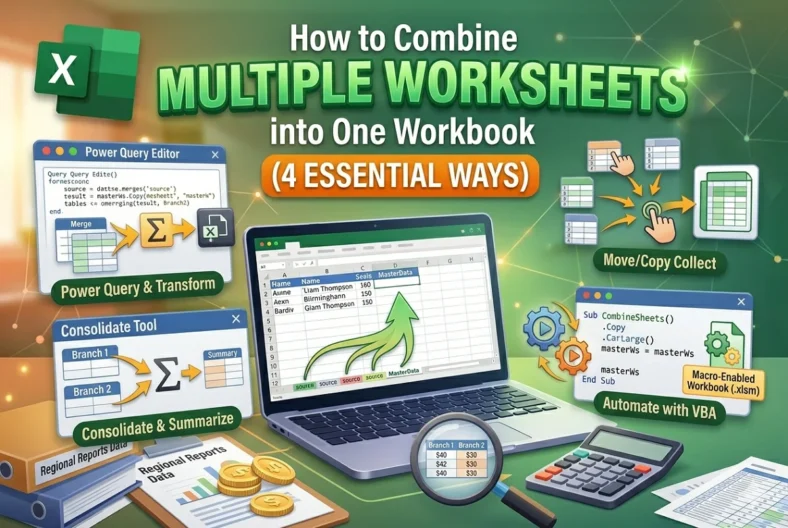
Managing multiple Excel sheets can become confusing when your data is scattered across different worksheets, like regional reports, monthly expenses, or student records. Combining them into one workbook helps create

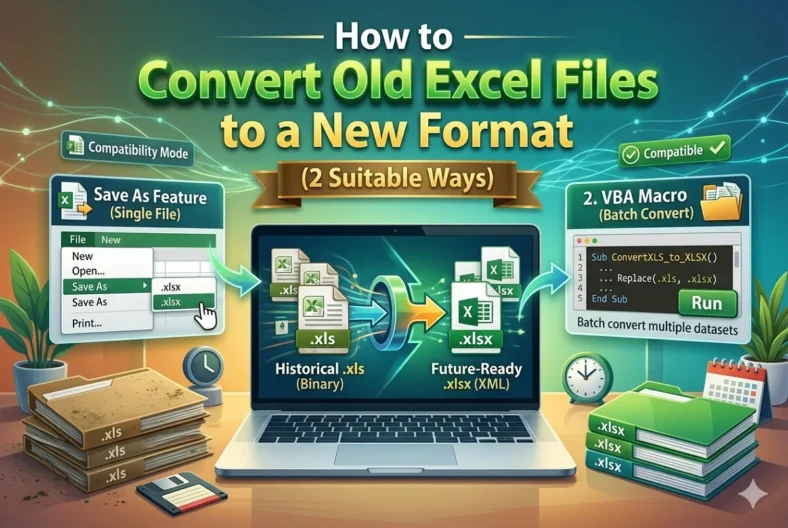
Old Excel files typically use the .xls extension, which was the standard until Excel 2003. From Excel 2007 onward, Microsoft introduced .xlsx, a more advanced and secure format. .xlsx supports

In Excel, every time we save or share a file, metadata like the “Last Modified By” property is recorded. It is part of Excel’s built-in metadata stored in the document.

When multiple people work on the same Excel file, it is often necessary to know who is currently editing or viewing it. This is good in workplaces where project tracking,

When working with multiple colleagues on the same document, we may not want everyone to have the same level of access. Setting permissions for a shared file in Excel means

While working with Excel, sometimes we face this particular problem where Excel isn’t highlighting cells in a formula. This usually happens when we are editing formulas and expect Excel to