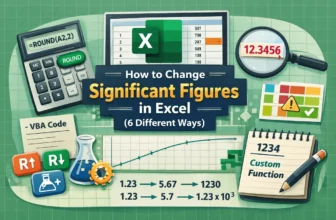
Managing significant figures in Excel is essential when working with precise data whether you’re handling scientific measurements, engineering calculations, or financial reports. Accurate control ...
A rounded percentage in Excel is simply a percentage value shortened to fewer decimal places, making it easier to read and present. For example, instead of showing 87.4567%, you might round it to ...
Rounding numbers in Excel is often necessary for improving data readability and consistency, especially when working with large numerical values like measurements, financial figures or statistical ...
While dealing with time logs in Excel, we face a common inconsistency in time intervals. Most of the employee time logs and meeting schedules are often noted in Excel, which do not align with the ...
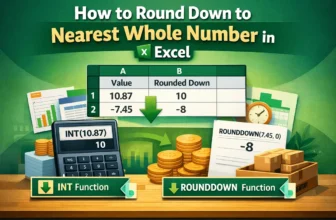
When working with numbers in an Excel worksheet, sometimes you may need to ignore the decimal parts. That’s especially true when maintaining calculations like budgeting or inventory. In such a case, ...
If Excel is showing fewer decimals than you typed, the value itself is almost always intact - only the display has been shortened, and the full number is still sitting in the Formula Bar. There are ...
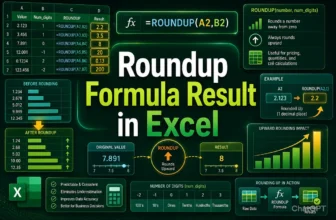
Rounding up a number to your preferred decimal points allows you to keep your dataset neat and easy to apply the results in real-life situations. Be it employee scheduling, shipping or packaging, ...